Step by step
0 of 5 done
Tap a number to check off a step as you go.
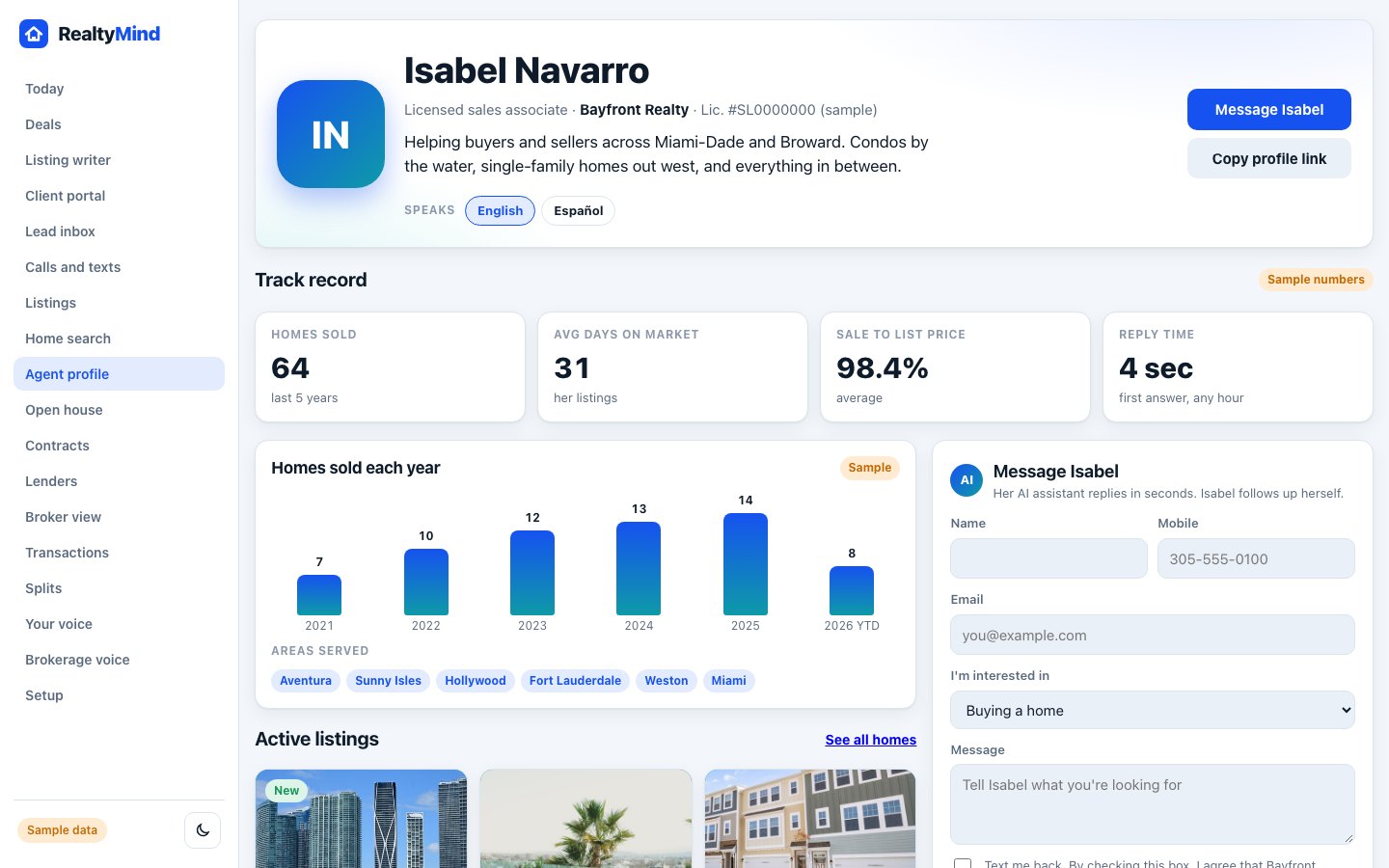
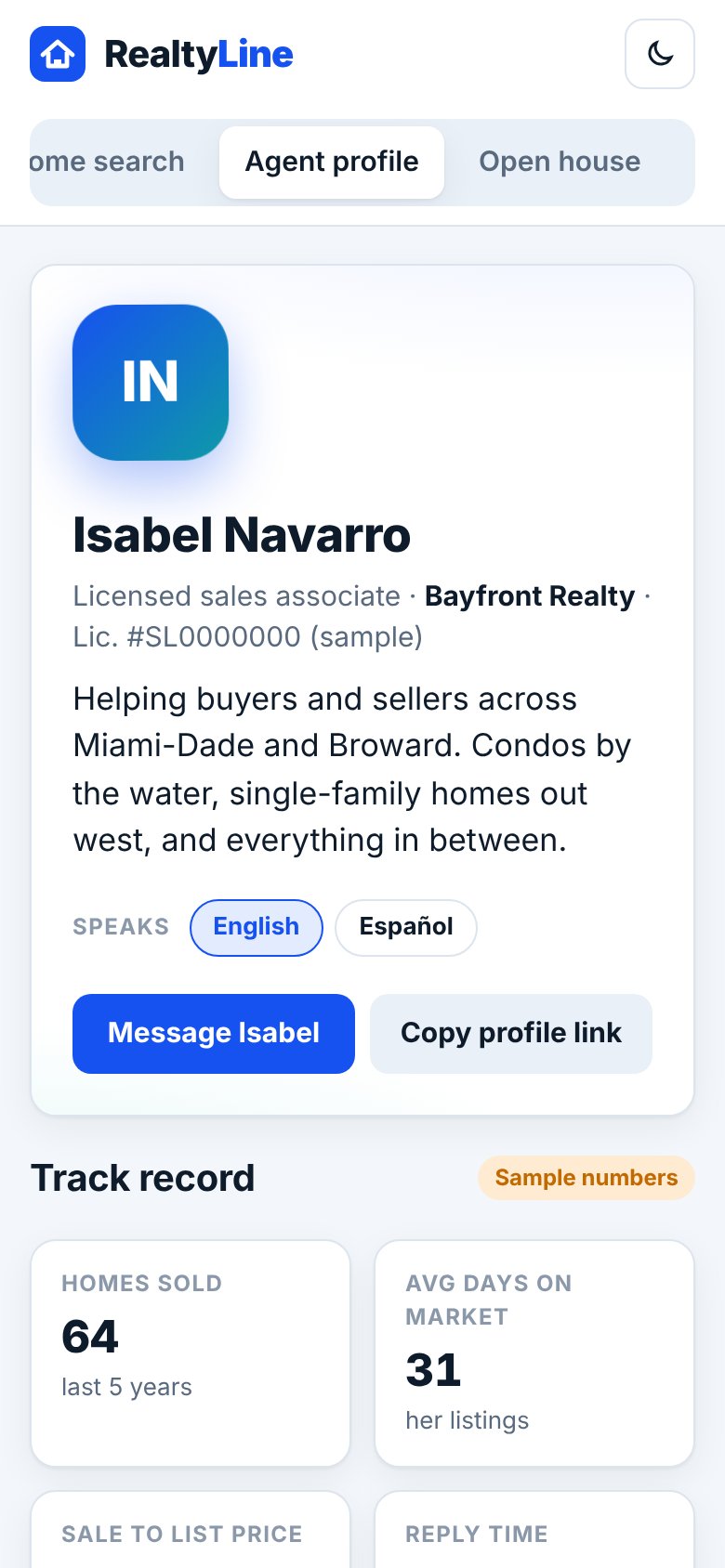
Fill in your profile
Add your bio, areas you serve and languages. Your license number and brokerage show on top.
Listings fill in on their own
Your active listings show with the brokerage name on each one.
Track record comes from closings
Homes sold, days on market and sale to list price come from your closed deals.
Reviews come after closing
Tess sends the review request the day after closing. Only clients who closed with you can leave one.
Share your link
Tap "Copy profile link" and use it in your email signature and social bio.
Good to know
- Each review is checked against the closing record and marked "Verified closing".
- Spanish reviews show with an English translation. Filter them with "En español".
- Messages from your profile get a fast first reply from the AI. You follow up yourself.
Try it in the demo
Open demoOpen a sample profile. Clickable, with sample data.
Was this helpful?