Step by step
0 of 5 done
Tap a number to check off a step as you go.
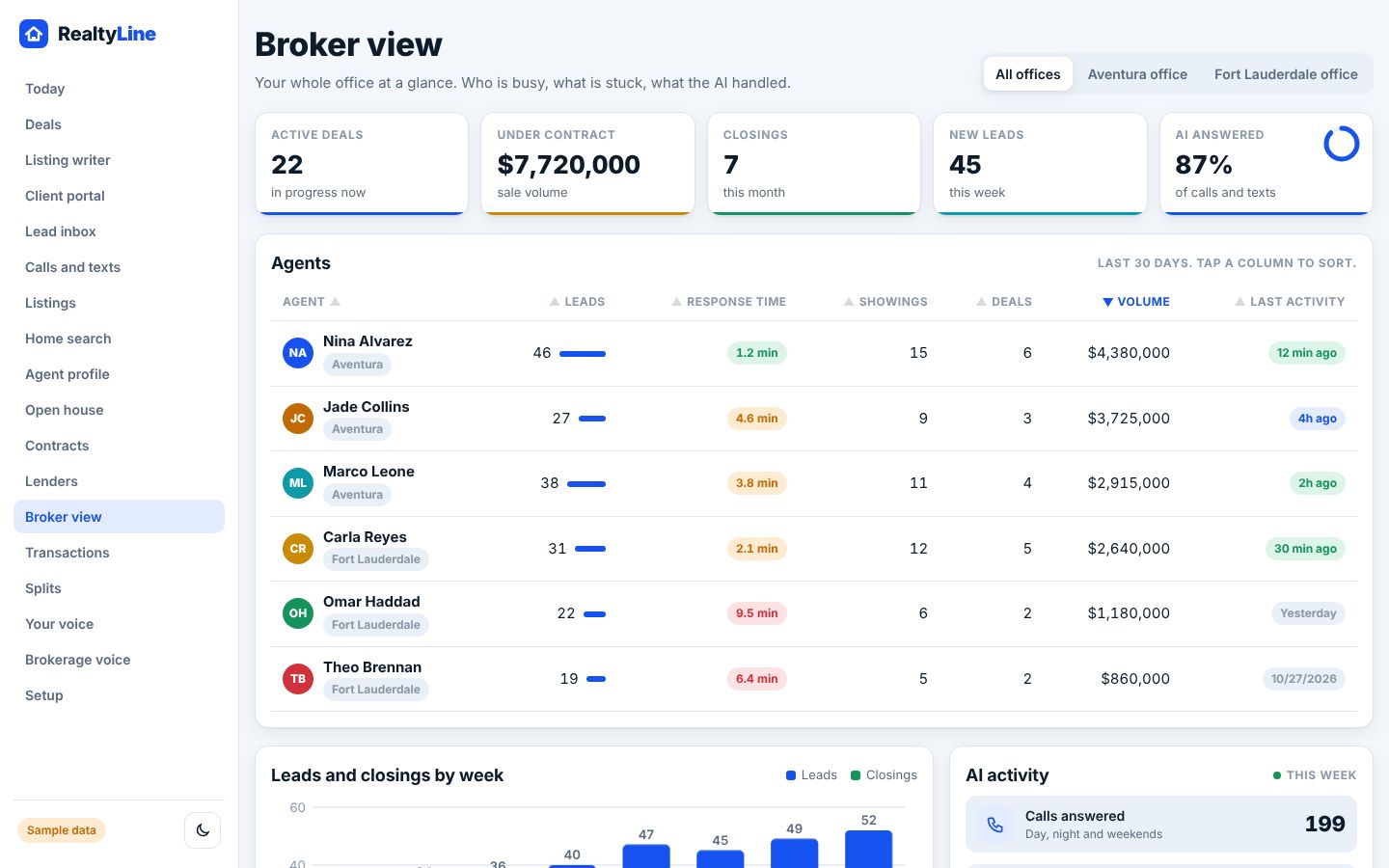
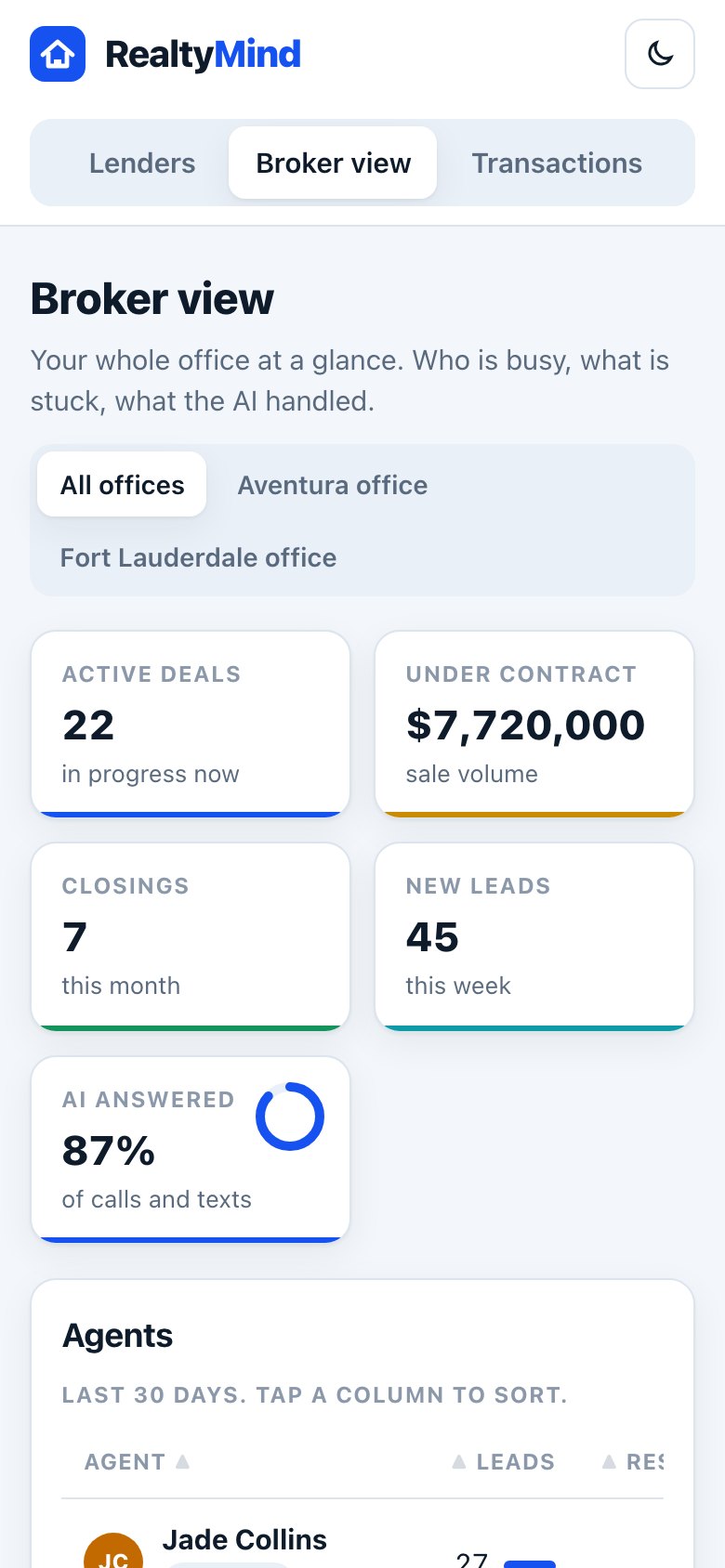
Pick the office
Choose one office or All offices. Franchises can see a region or the whole company.
Read the top numbers
Active deals, sale volume under contract, closings this month, new leads this week, and how many calls and texts the AI answered.
Sort the agent table
Tap a column to sort by leads, response time, showings, deals, volume or last activity.
Clear "Needs your attention"
Files to review, unanswered leads, deadlines coming up and missing papers. Each has a one-tap button, like Review or "Ask for it".
Review and approve files
In Transactions, open a file, check the list, then "Approve file" or "Send back with note".
Good to know
- "Approve file" unlocks only when every required item is received.
- Every step of a review is logged, so you can see who did what and when.
Try it in the demo
Open demoOpen Broker view. Clickable, with sample data.
Was this helpful?