Step by step
0 of 5 done
Tap a number to check off a step as you go.
Sofia spots the moment
She transfers when the caller wants to see a home today, is ready to make an offer, is a seller ready to list, is upset, or asks for a person.
She rings the right agent
The call goes to the agent the routing rules picked, for example by language, area or price.
She briefs the agent first
Before you hear the caller, Sofia tells you their name, buying or selling, area, price, timeline, language and buyer agreement status.
All three connect
The caller hears "Let me get your agent on the line." Then you are on together.
Sofia drops off
Once you are talking, she leaves the call. The transcript and summary are saved on the lead.
Good to know
- No answer in 20 seconds? Sofia tells the caller you are with a client, promises a callback, and creates the task.
- Set the hours your agents take live transfers in Setup, step 4.
Questions
Can I transfer a call myself?
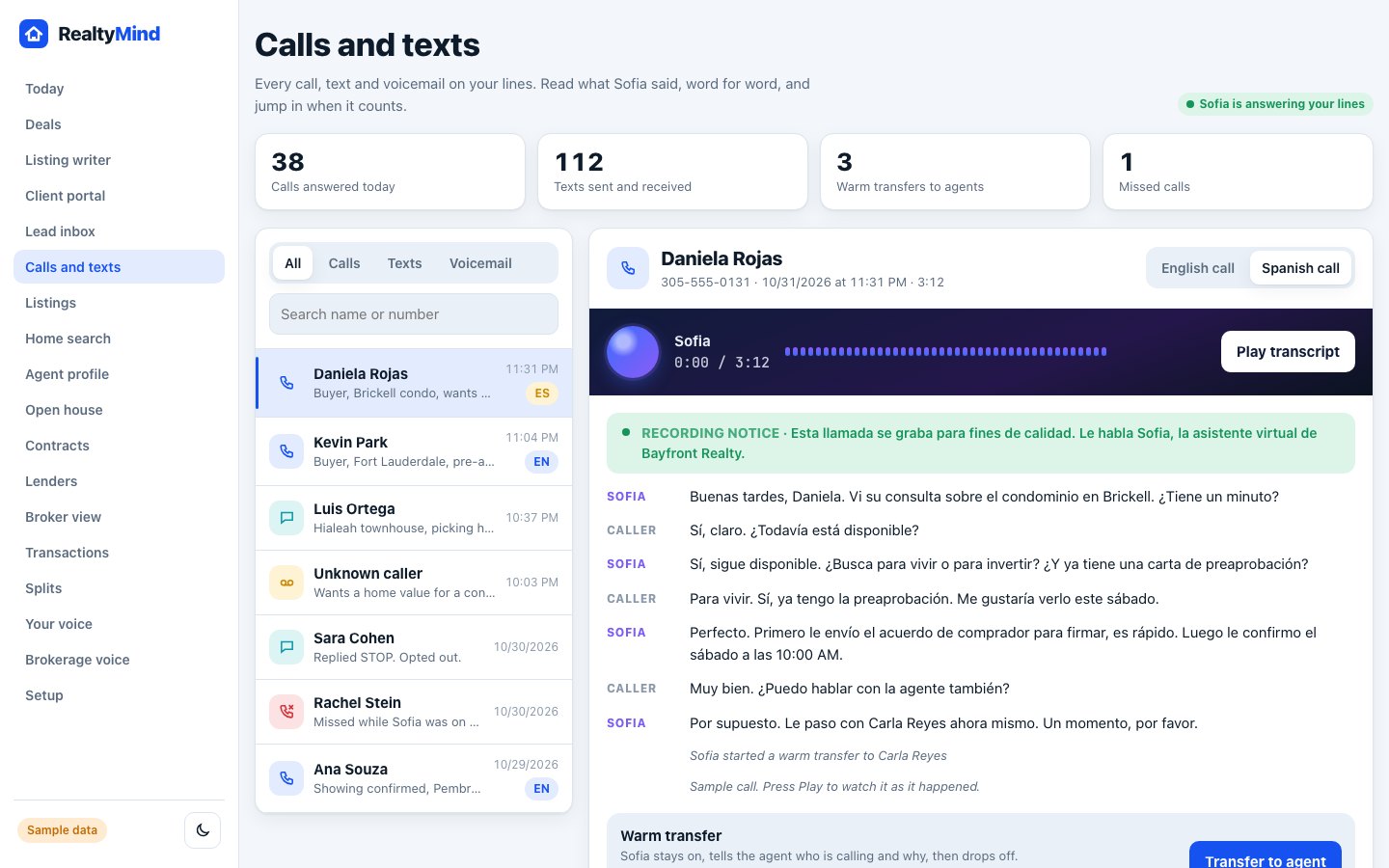
Yes. In Calls and texts, open a live call and tap "Transfer to agent".
Try it in the demo
Open demoTry "Transfer to agent". Clickable, with sample data.
Was this helpful?