Step by step
0 of 4 done
Tap a number to check off a step as you go.
Open RealtyMind on your phone
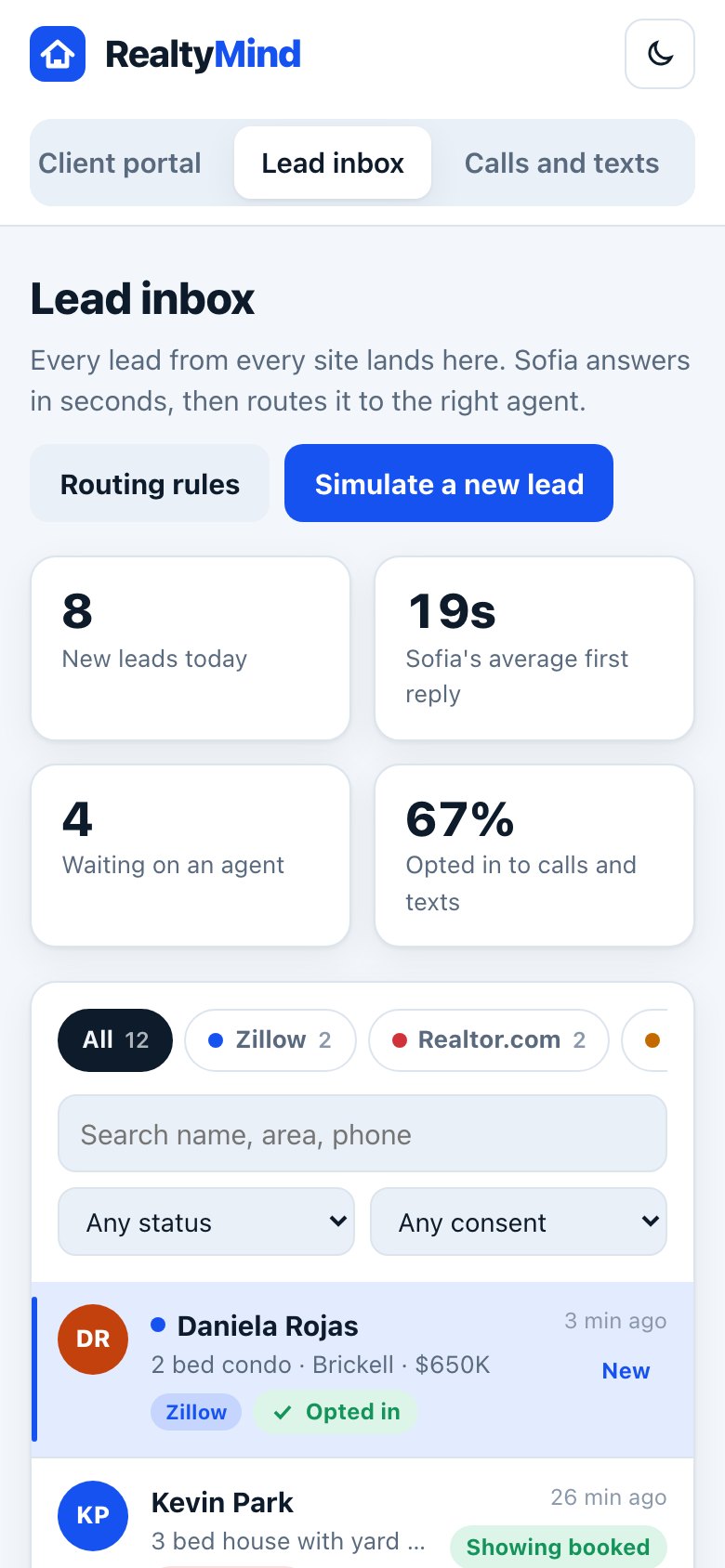
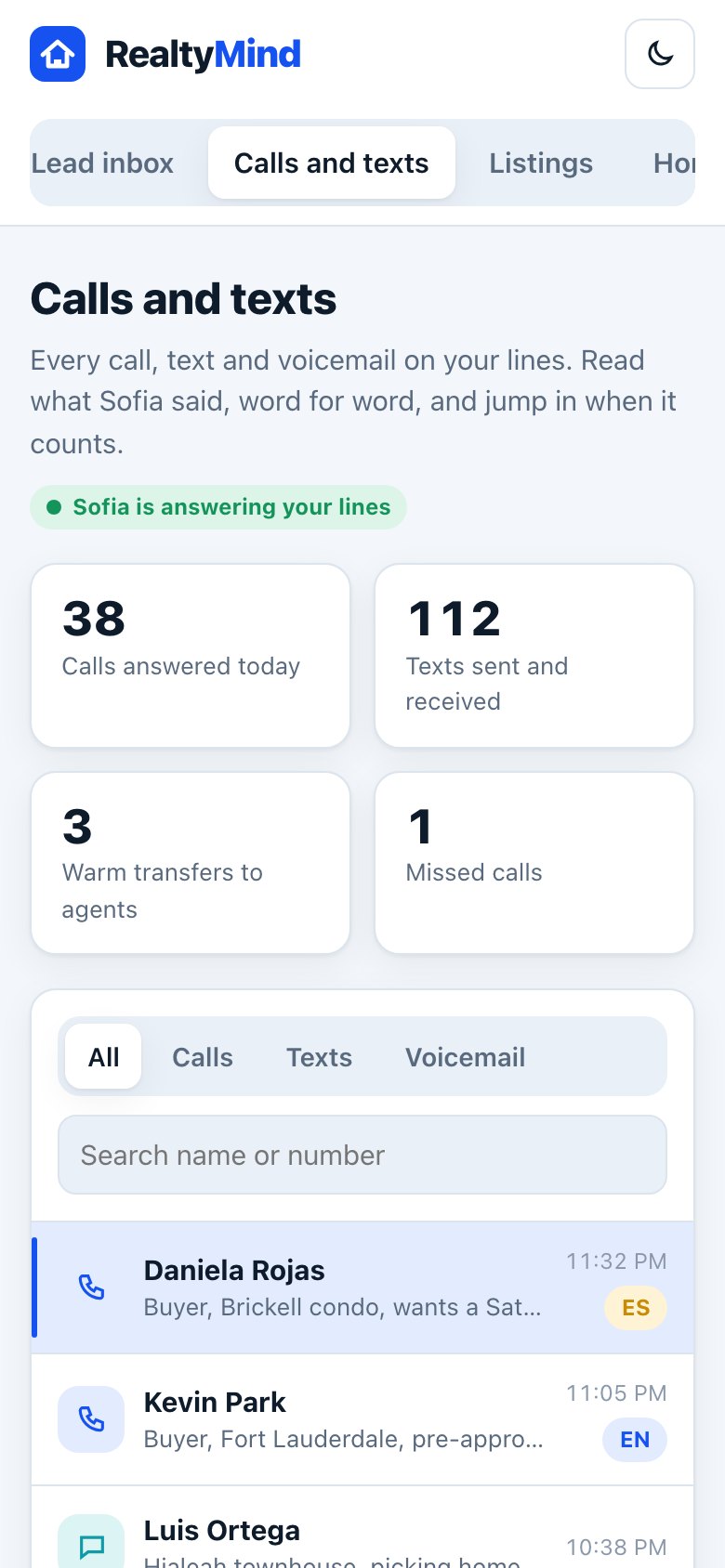
In the pilot, open RealtyMind in your phone's browser. Every screen is built for phone width.
Add it to your home screen
In your browser's share menu, tap "Add to Home Screen" so it opens like an app.
Get the apps at launch
The iPhone and Android apps are planned with the same screens, plus Face ID or fingerprint sign-in.
Text Leo on the go
You do not need the app for Leo. Text or call him, or ask from Claude.
Good to know
- Turn on notifications to hear about warm transfers and new leads right away.
Try it in the demo
Open demoOpen the demo on your phone. Clickable, with sample data.
Was this helpful?