Step by step
0 of 5 done
Tap a number to check off a step as you go.
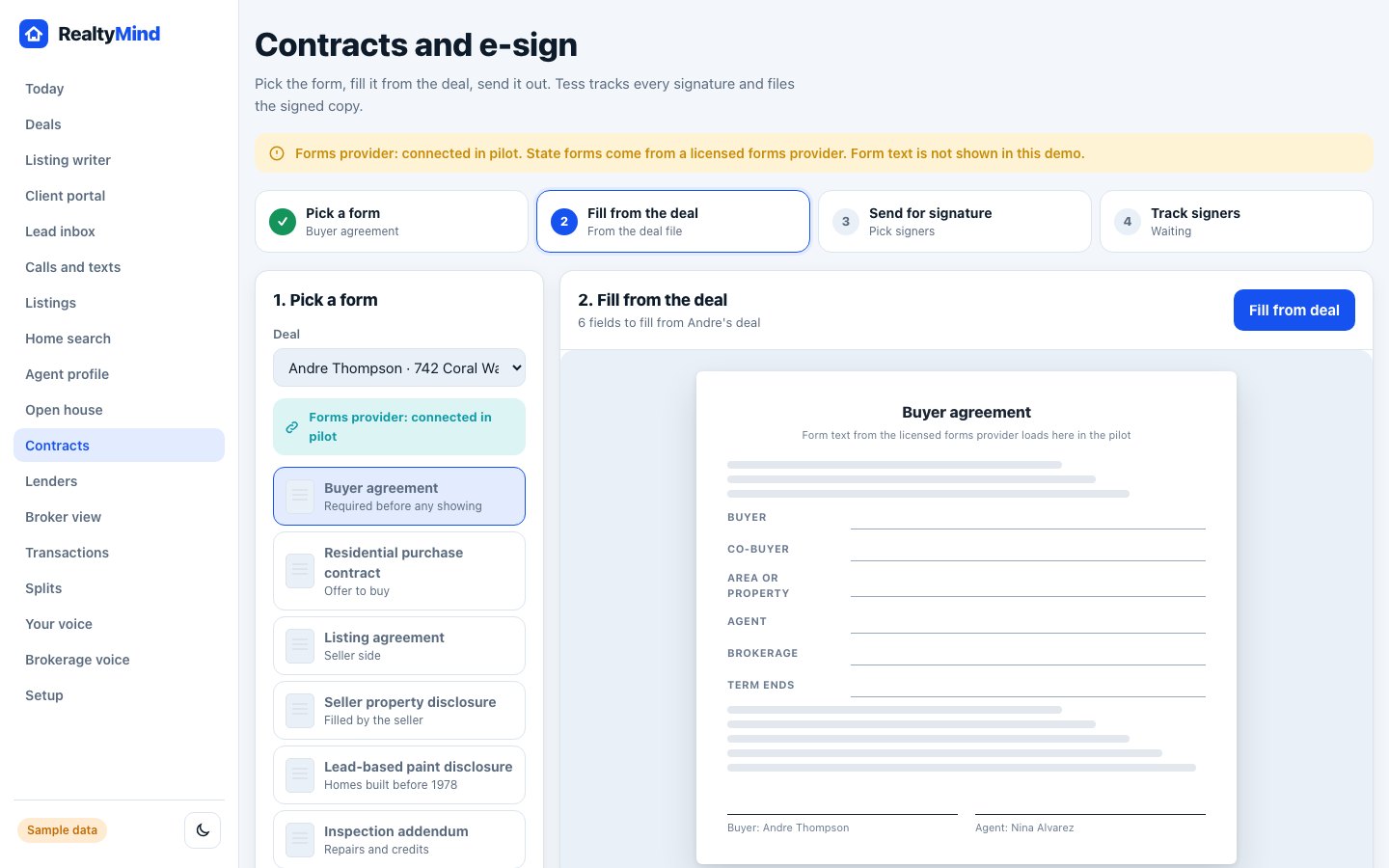
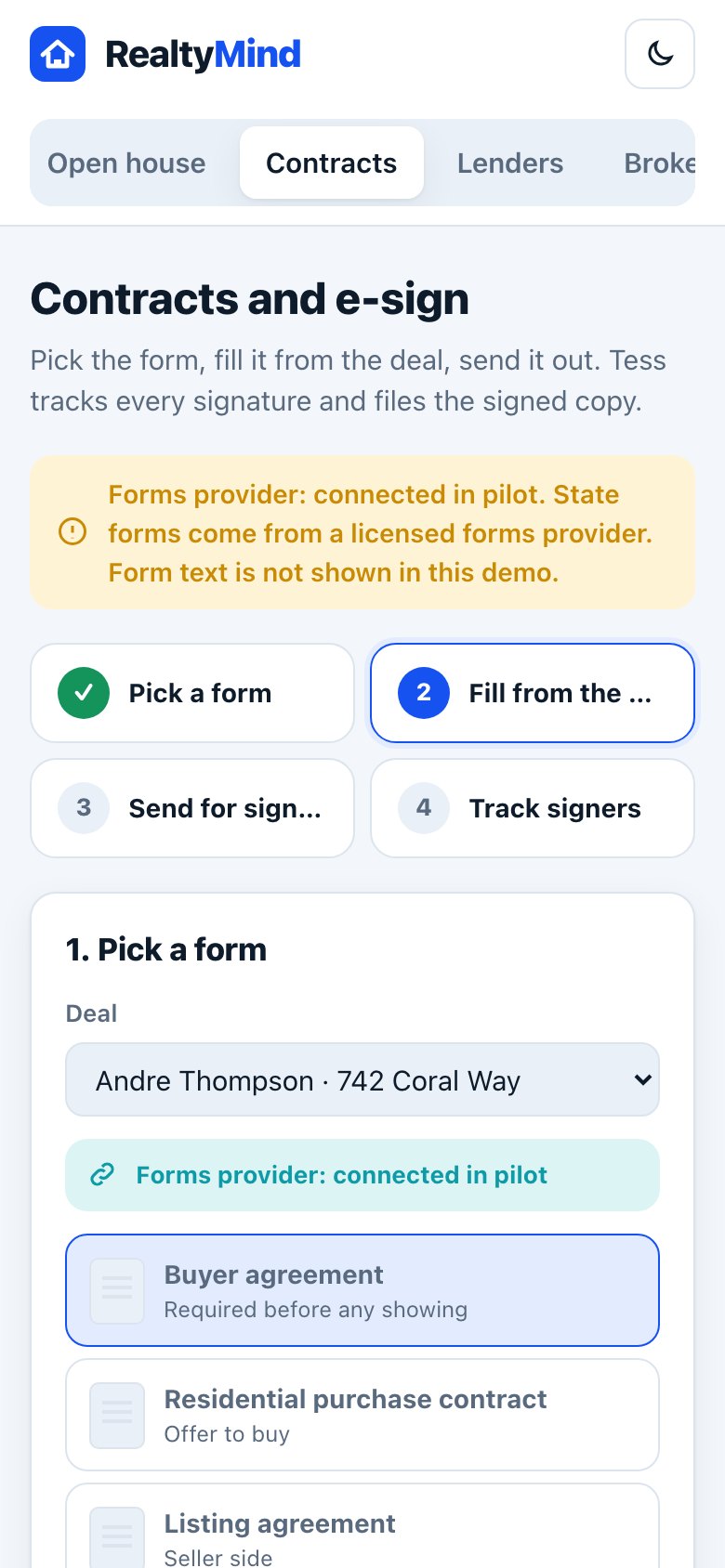
Pick the deal and the form
Choose the deal, then a form: buyer agreement, purchase contract, listing agreement, disclosures, addendums or a counter offer.
Fill from the deal
Tap "Fill from deal". Names, address, agent and brokerage come from the deal file. Check each field.
Pick the signers
Add everyone who signs. Turn on "Sign in order" if the next signer should get it only after the last one signs.
Add a message and send
Write a short note and tap "Send for signature".
Track and remind
See who has signed and who is waiting. Tap Remind for anyone slow. Tess files the signed copy in the transaction.
Good to know
- State forms come from a licensed forms provider. RealtyMind fills them. It does not write them.
- The lead-based paint disclosure is only needed for homes built before 1978.
Questions
Is my brokerage's forms account connected?
In the pilot, the forms provider is connected for you. Ask us which state forms are ready.
Try it in the demo
Open demoOpen Contracts. Clickable, with sample data.
Was this helpful?