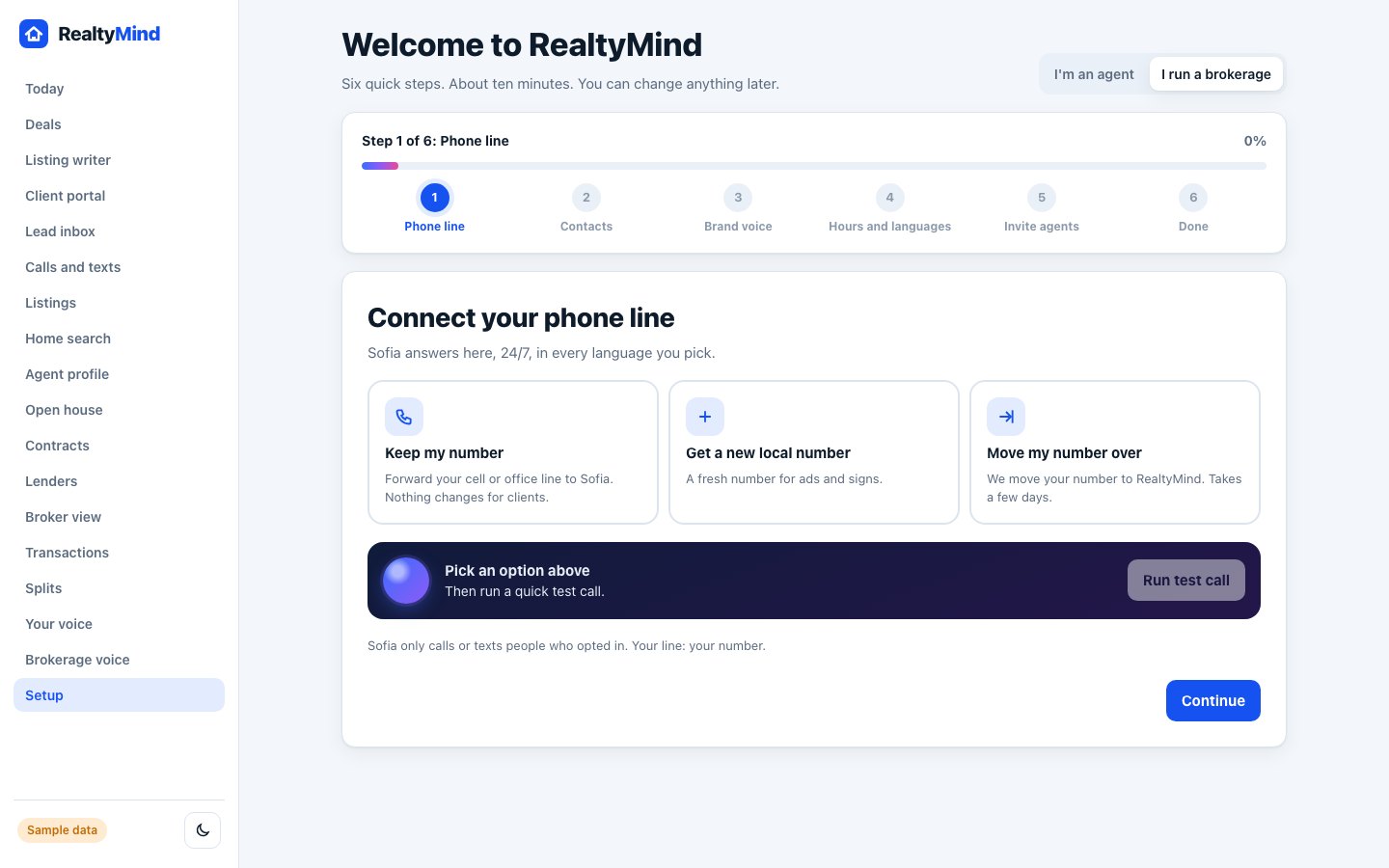
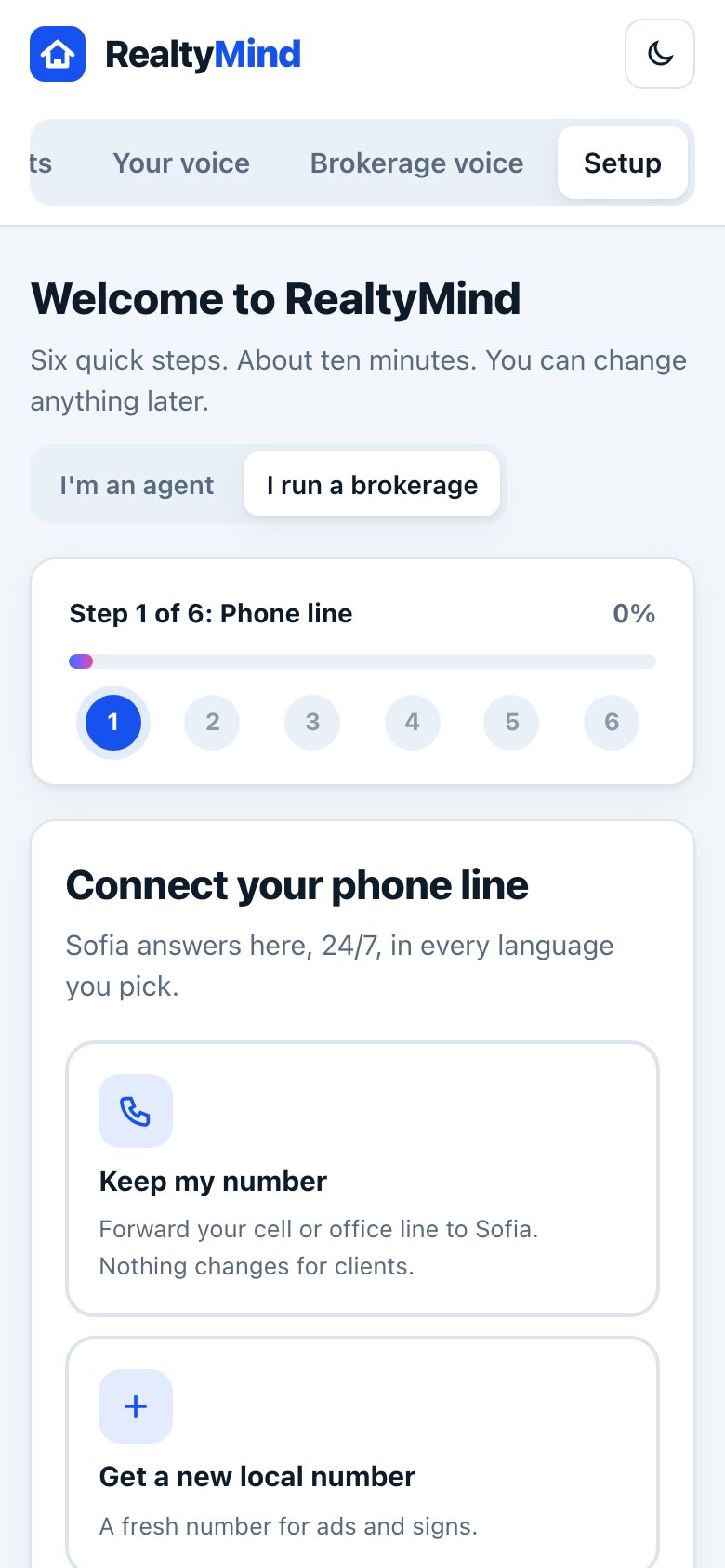
Step by step
Tap a number to check off a step as you go.
Pick who you are
On the welcome screen, tap "I'm an agent" or "I run a brokerage". The steps change a little for each.
Connect your phone line
Keep your number, get a new local one, or move your number over. Then run the test call.
Import your contacts
Upload a CSV from your phone, email or old CRM. Or skip and do it later.
Set your brand voice
Pick Warm and friendly, Polished and clear, or Luxury, and type your brokerage name. The name is required.
Set hours and languages
Choose office days, when agents take live transfers, and the languages Sofia speaks.
Invite your people
Add emails and pick a role for each. Invites go out when you finish.
- You can skip any step and come back. Your progress is saved as you go.
- When you finish, Sofia picks up the next call. Leo, Ivy and Tess are ready too.
Questions
How long does setup take?
About ten minutes for most agents. Importing a large contact list can take a little longer.
Can I change things later?
Yes. Every setting from setup has its own screen: Calls and texts, Brand voice, Brokerage voice and more.
Open the setup screen. Clickable, with sample data.