Step by step
0 of 5 done
Tap a number to check off a step as you go.
Print the door sign
In Open house, tap "Print door sign". It has a QR code that opens the sign-in page.
Visitors sign in
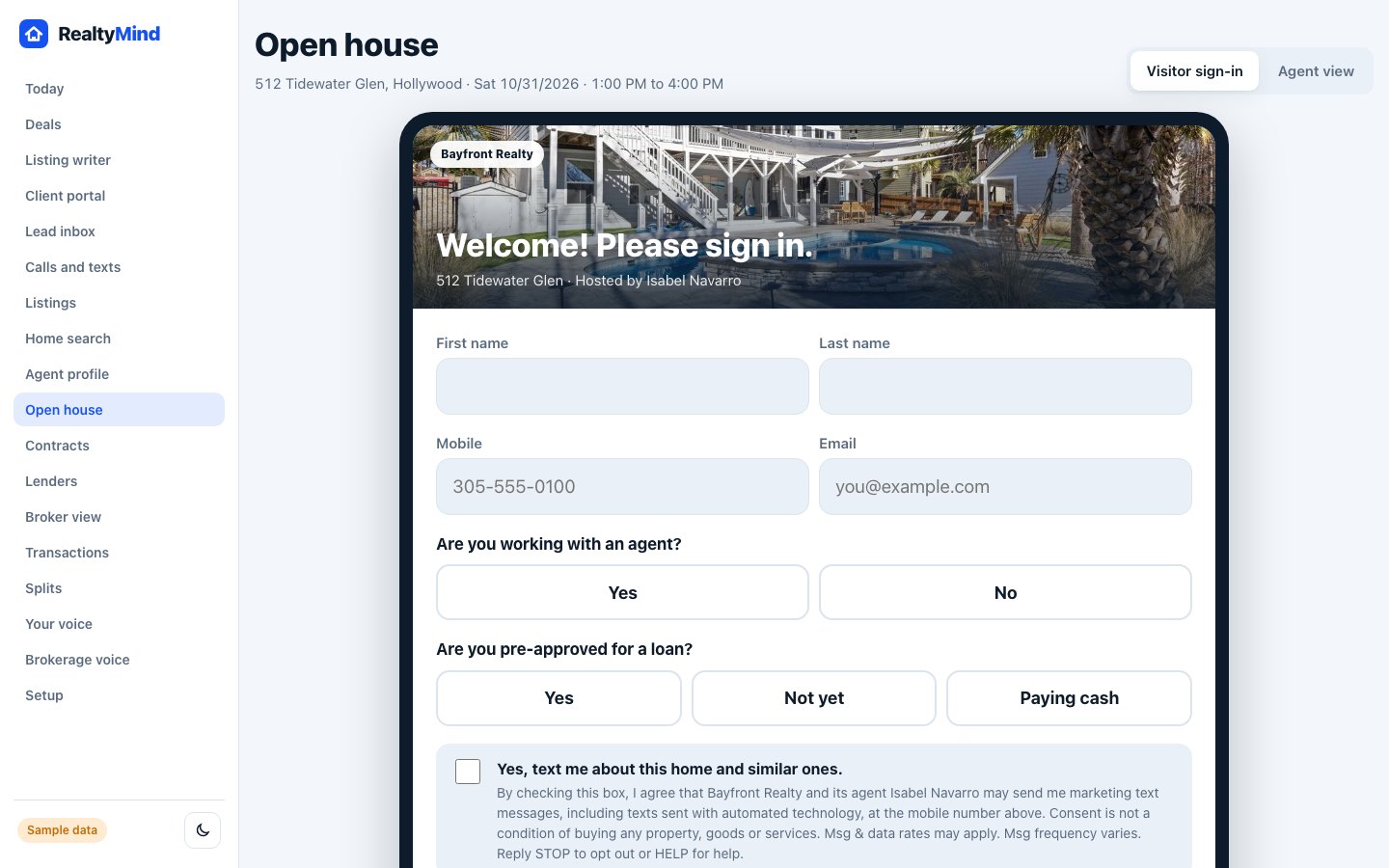
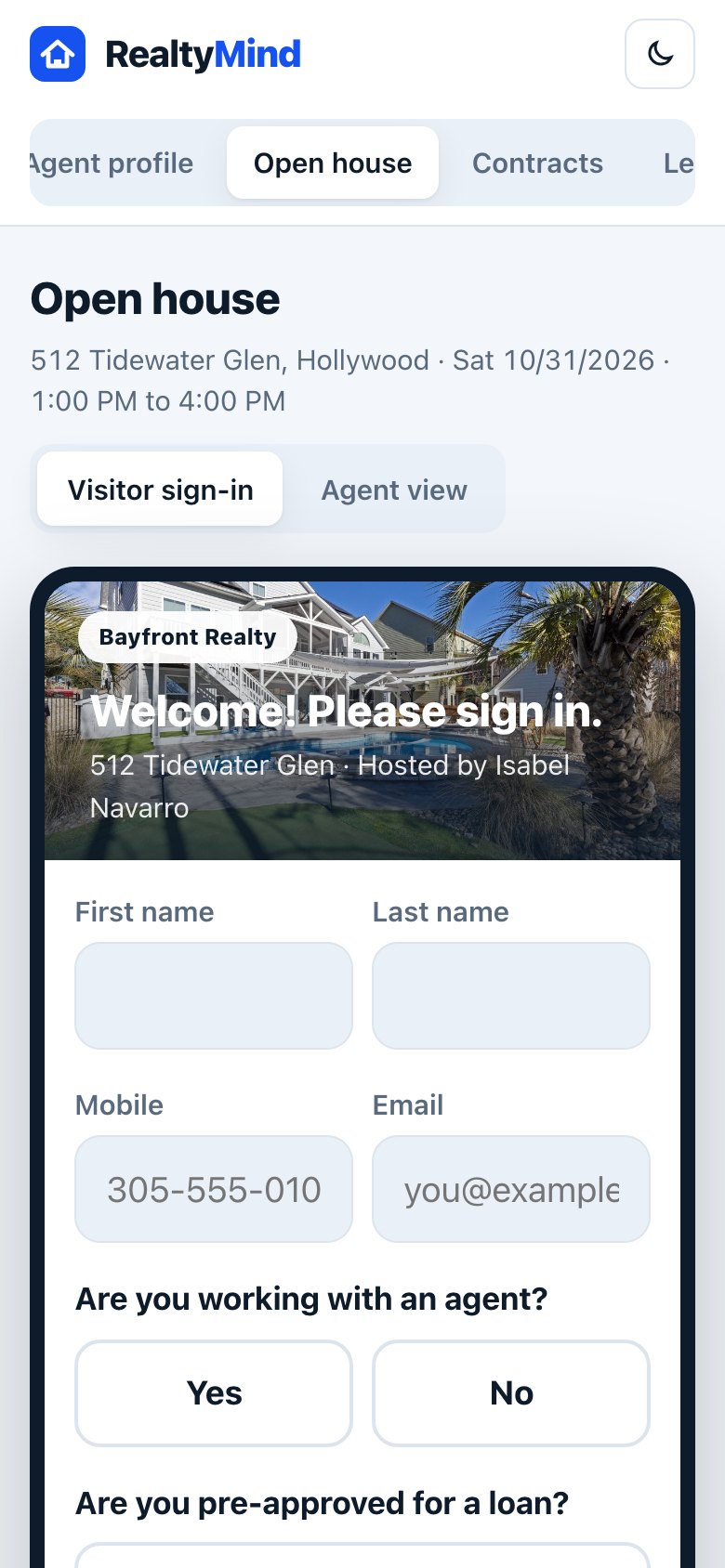
They scan the code or use your tablet: name, mobile, email, whether they have an agent, and whether they are pre-approved.
They choose about texts
An unchecked box asks if they want texts about this home and similar ones. Only people who check it get texts.
Watch the live list
Switch to Agent view to see each visitor as they sign in.
Approve tonight's follow-up
Ivy drafts the follow-up plan. Tap Approve on each, or "Approve all".
Good to know
- Visitor info goes only to the brokerage and the host agent. It is never sold.
- Visitors who said they have an agent are not pitched. Respect the relationship.
- Public open houses do not need a buyer agreement.
Try it in the demo
Open demoOpen the sign-in page. Clickable, with sample data.
Was this helpful?