Step by step
0 of 5 done
Tap a number to check off a step as you go.
Pick a role on invite
Brokerages choose Agent, Team lead, Office admin or Broker. Solo agents can add an Assistant or a Partner agent.
Agents see their own
An agent sees their own leads, clients and deals. Nobody else on the team can open them unless the agent shares.
Team leads see the team
A team lead sees every deal and lead on their team.
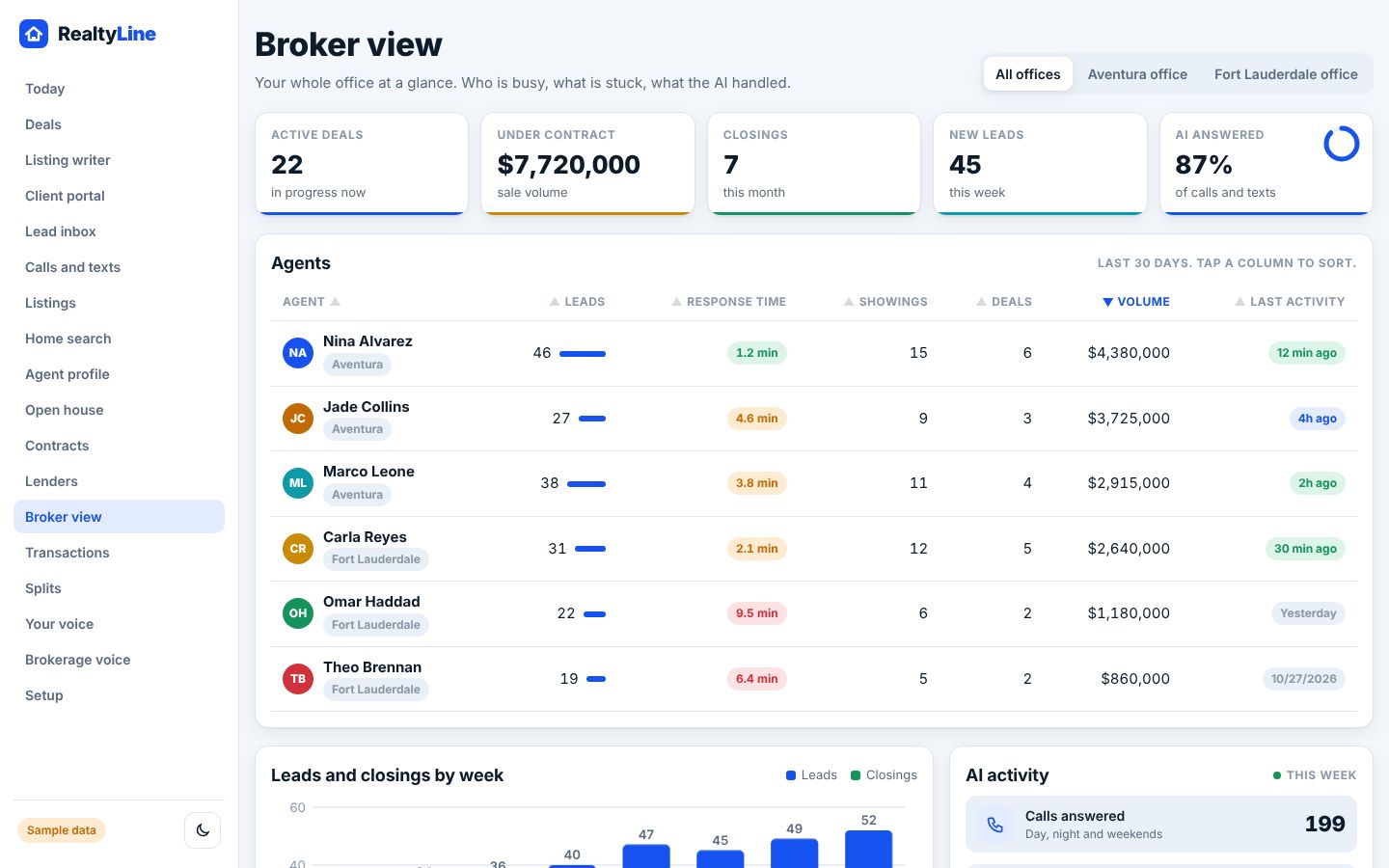
Brokers see the office
The broker sees the whole office, reviews files and sets splits and routing rules.
Change a role
A broker can change anyone's role at any time.
Good to know
- Leo checks who is asking before he pulls anything up. He cannot show an agent another agent's clients.
- Other brokerages never see your data.
Try it in the demo
Open demoSee the Broker view. Clickable, with sample data.
Was this helpful?