See the whole app before you sign up.
Every screen below is the real RealtyMind app with sample data. Scroll through it, or press play and sit back.
RealtyMind is in private pilot. Sample data only.
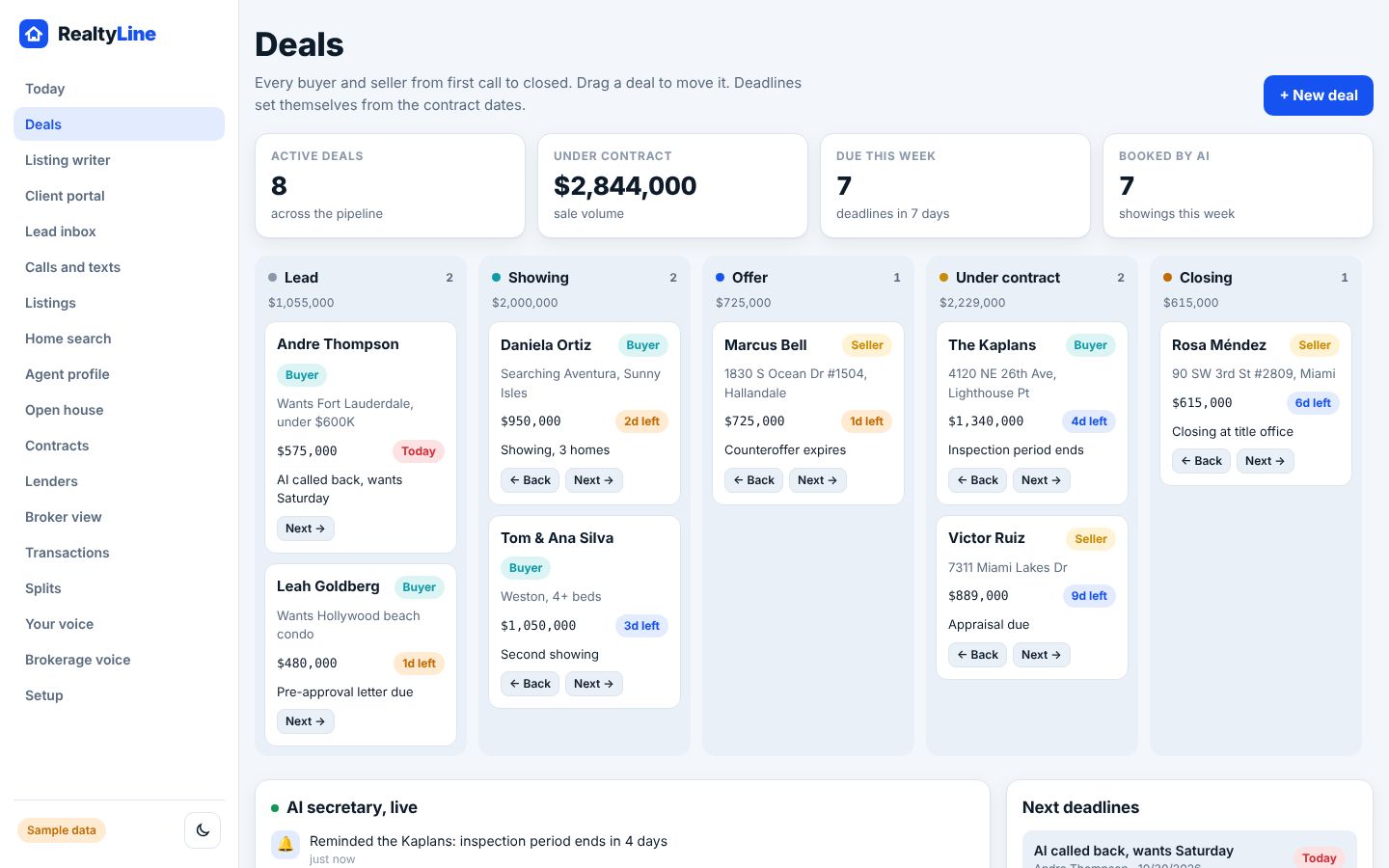
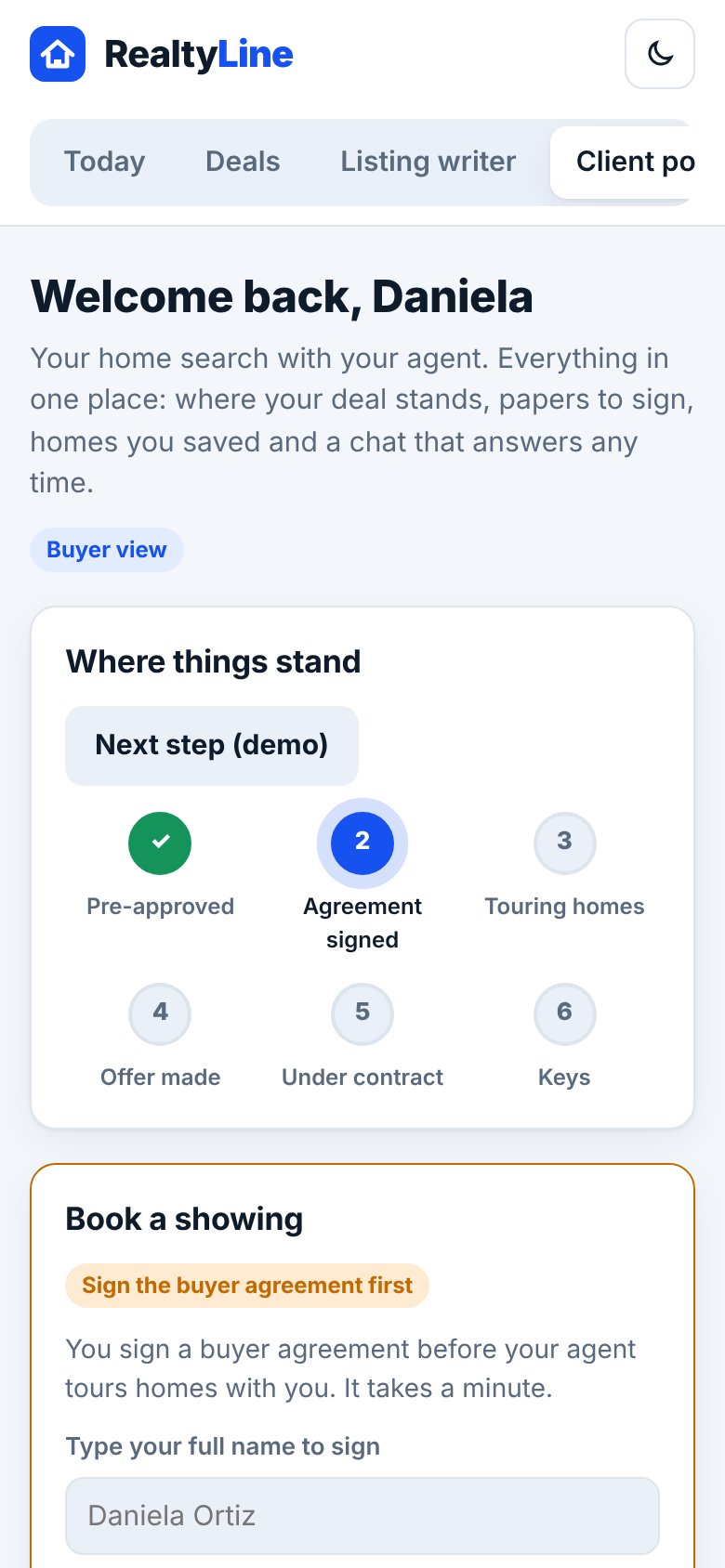
Every deal. One board.
Lead, showing, offer, under contract, closing, closed. Drag a card and the dates follow it.
- One board. Every buyer and seller, from first call to closed.
- Dates set themselves from the contract, so nothing slips.
- Booked by AI. Showings Sofia books land right on the card.
- Due this week sits at the top, so you see what needs you.
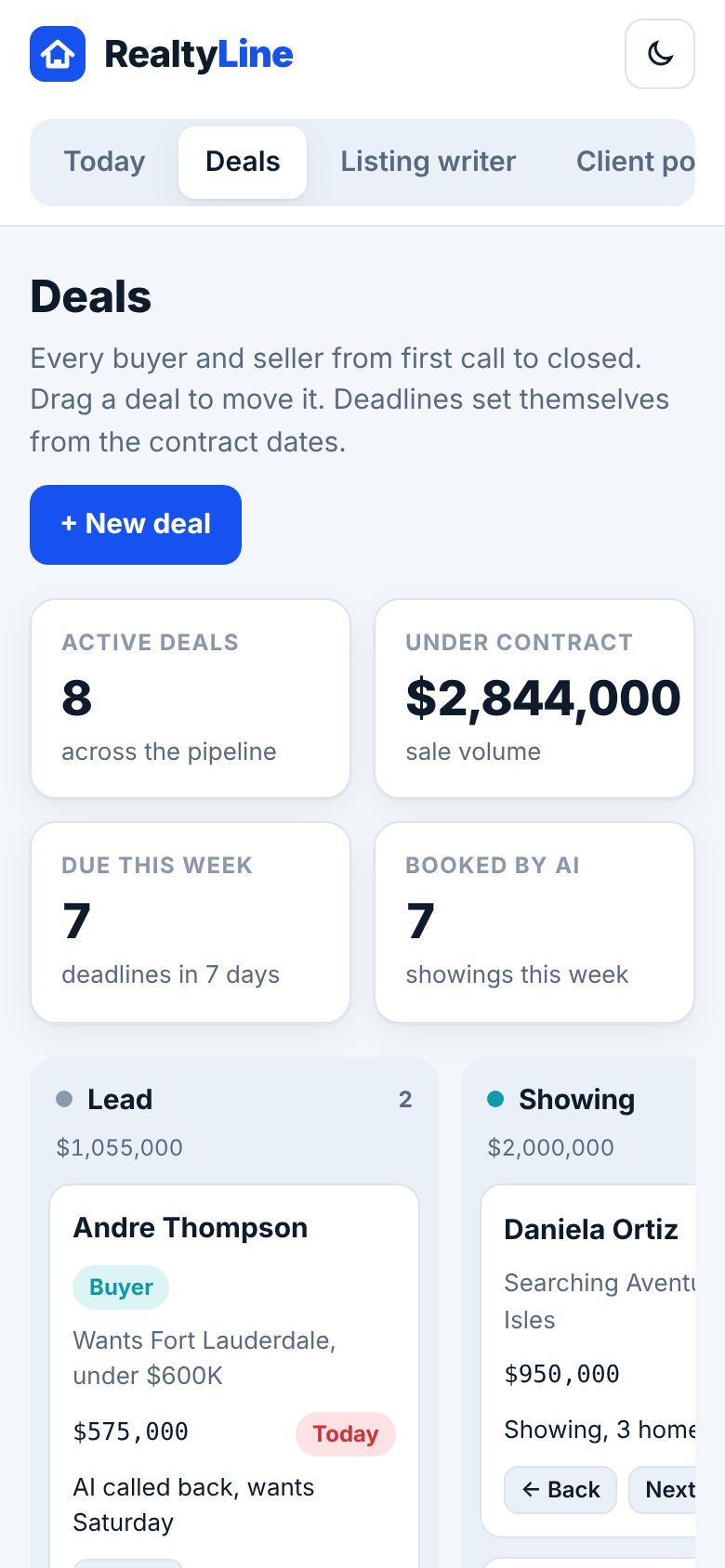
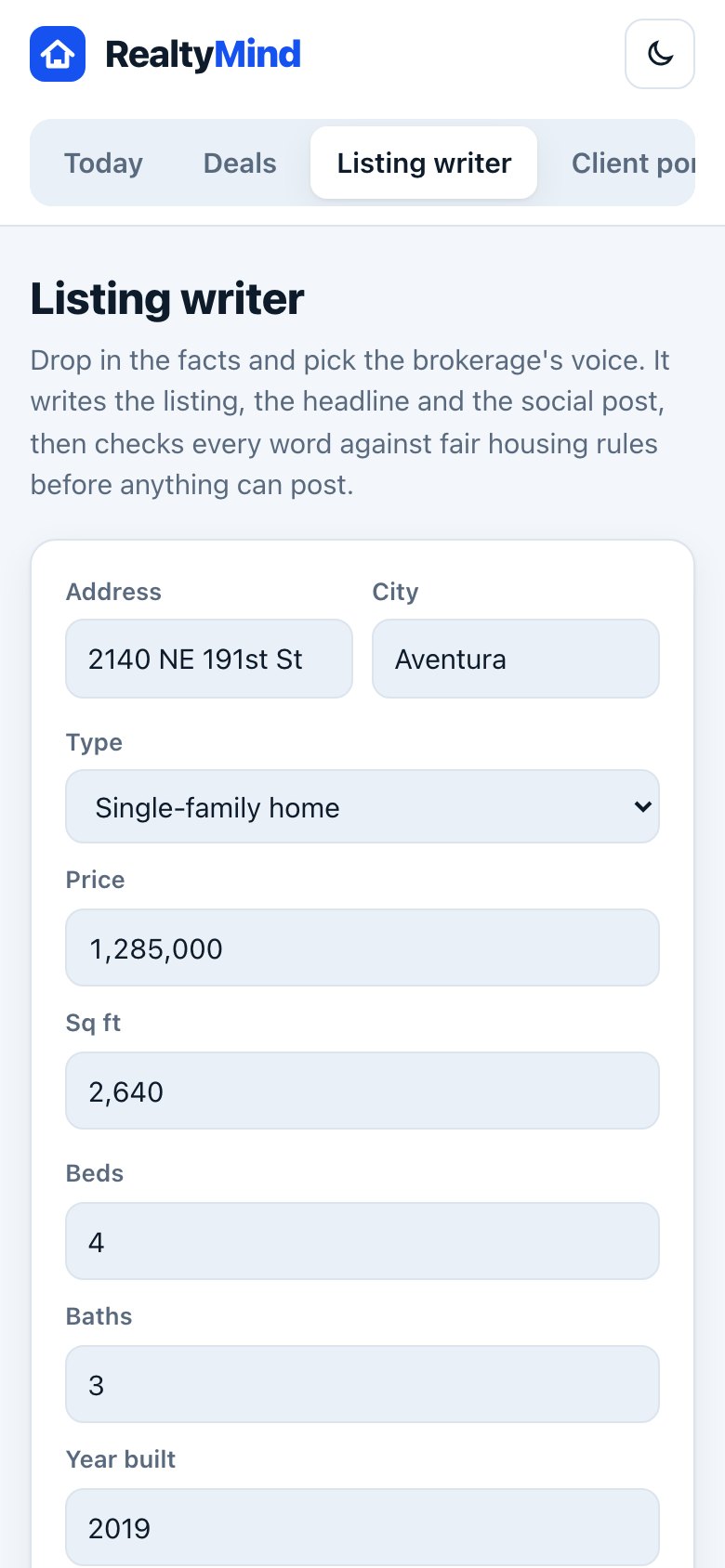
Drop in the facts. Get the listing.
Address, beds and features in. Description, headline and social post out, in your brokerage voice.
- Your brand voice. Luxury, warm or straight to the point.
- Fair housing check. Risky phrases get flagged before anything posts.
- Every piece at once. Description, headline and post.
- You approve. Nothing goes out without your OK.
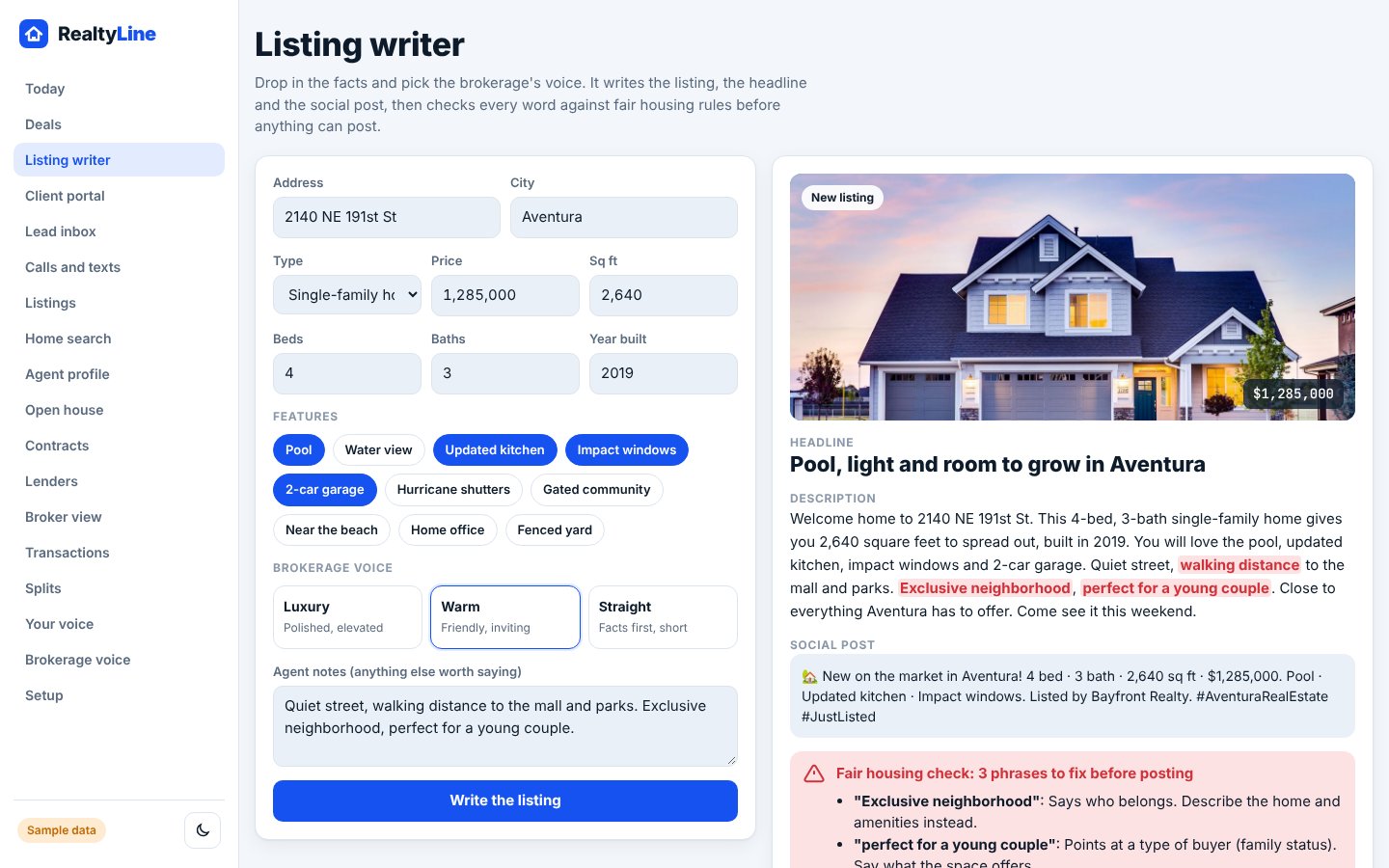
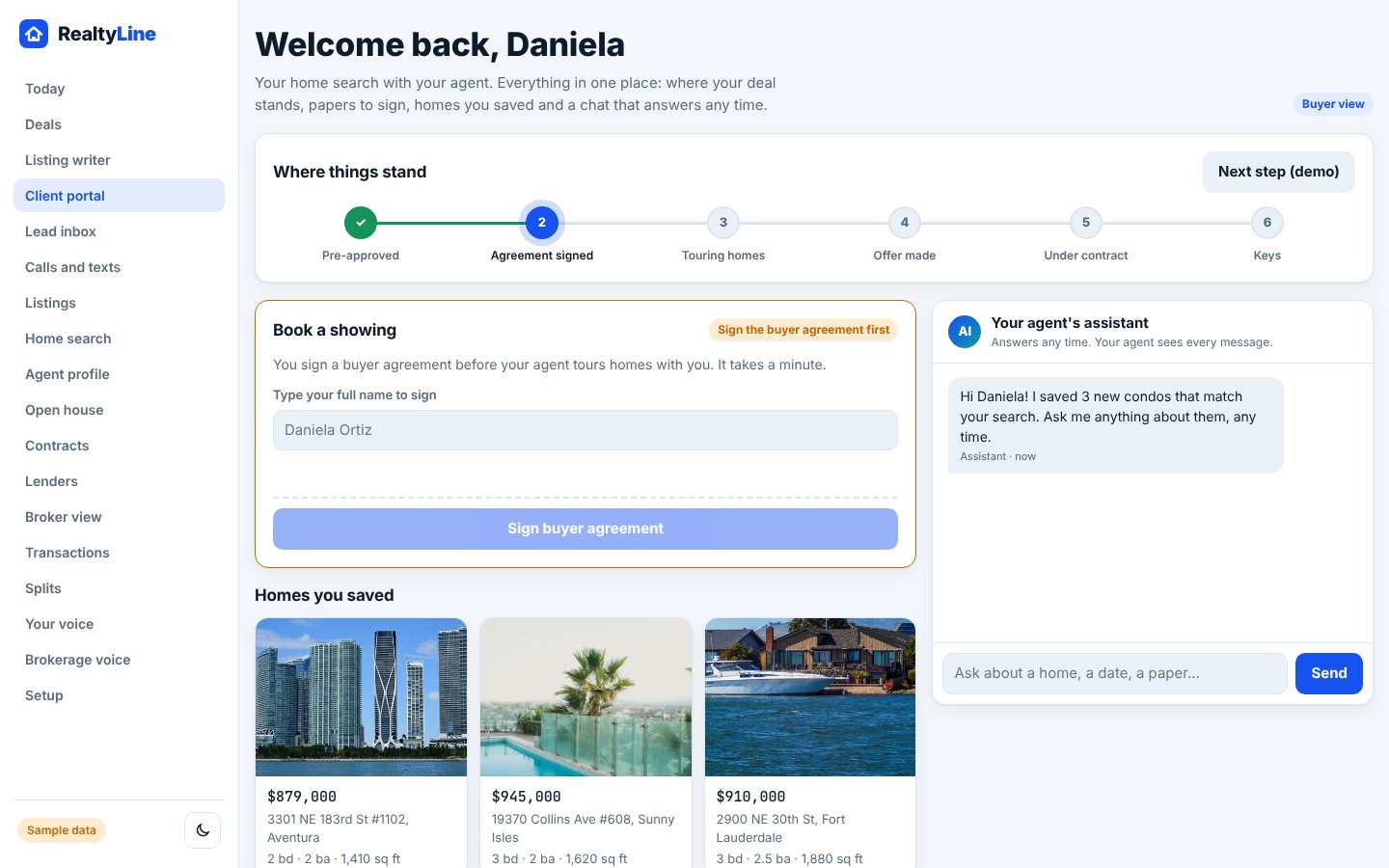
A portal your clients actually open.
Buyers and sellers see where things stand, sign, upload and chat, all in one place.
- Where it stands. A clear tracker from pre-approval to keys.
- Sign first, then tour. Showings open up after the buyer agreement is signed.
- Saved homes they can share with a spouse.
- Ask any time. Sofia answers at 2 AM and loops you in.
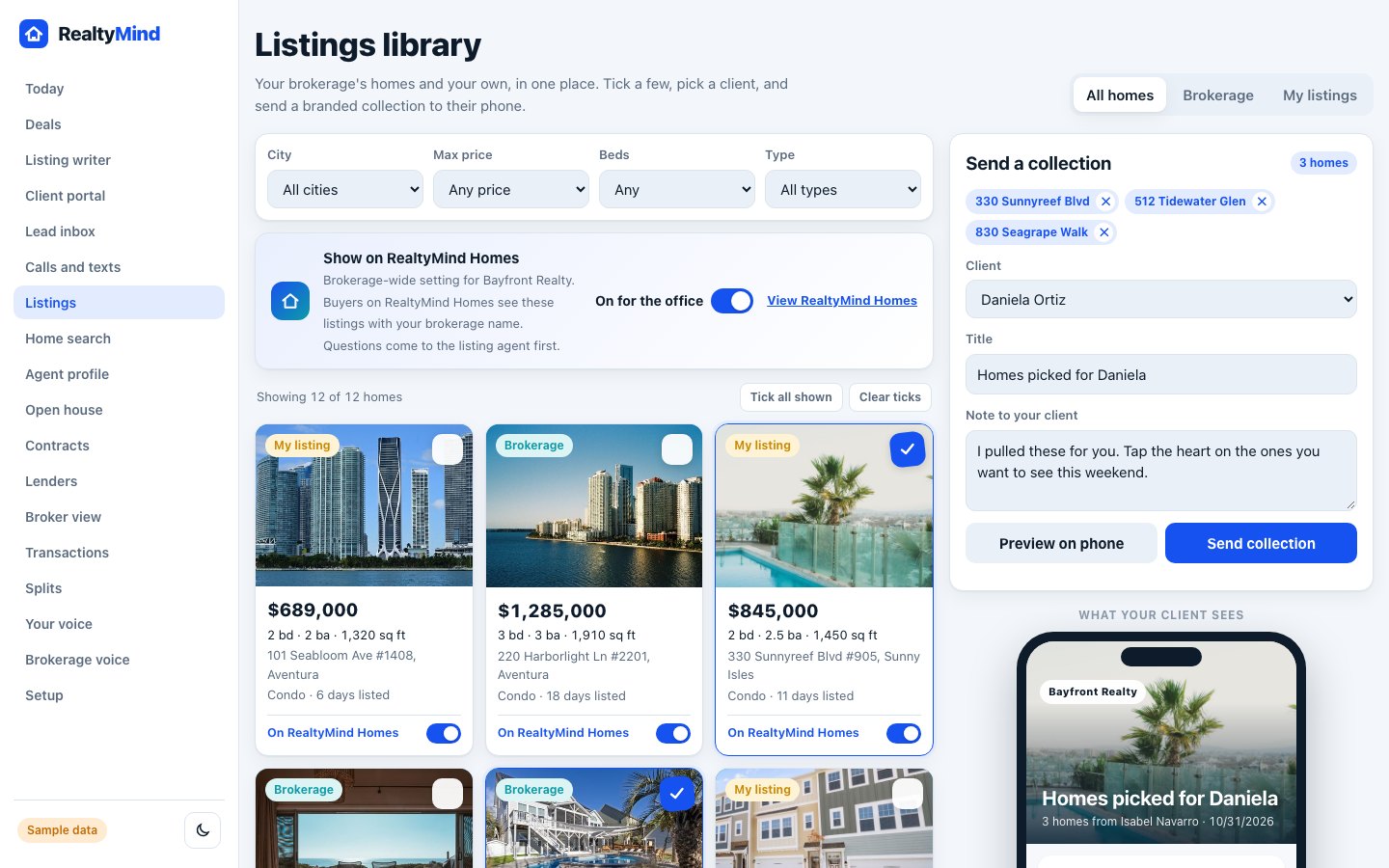
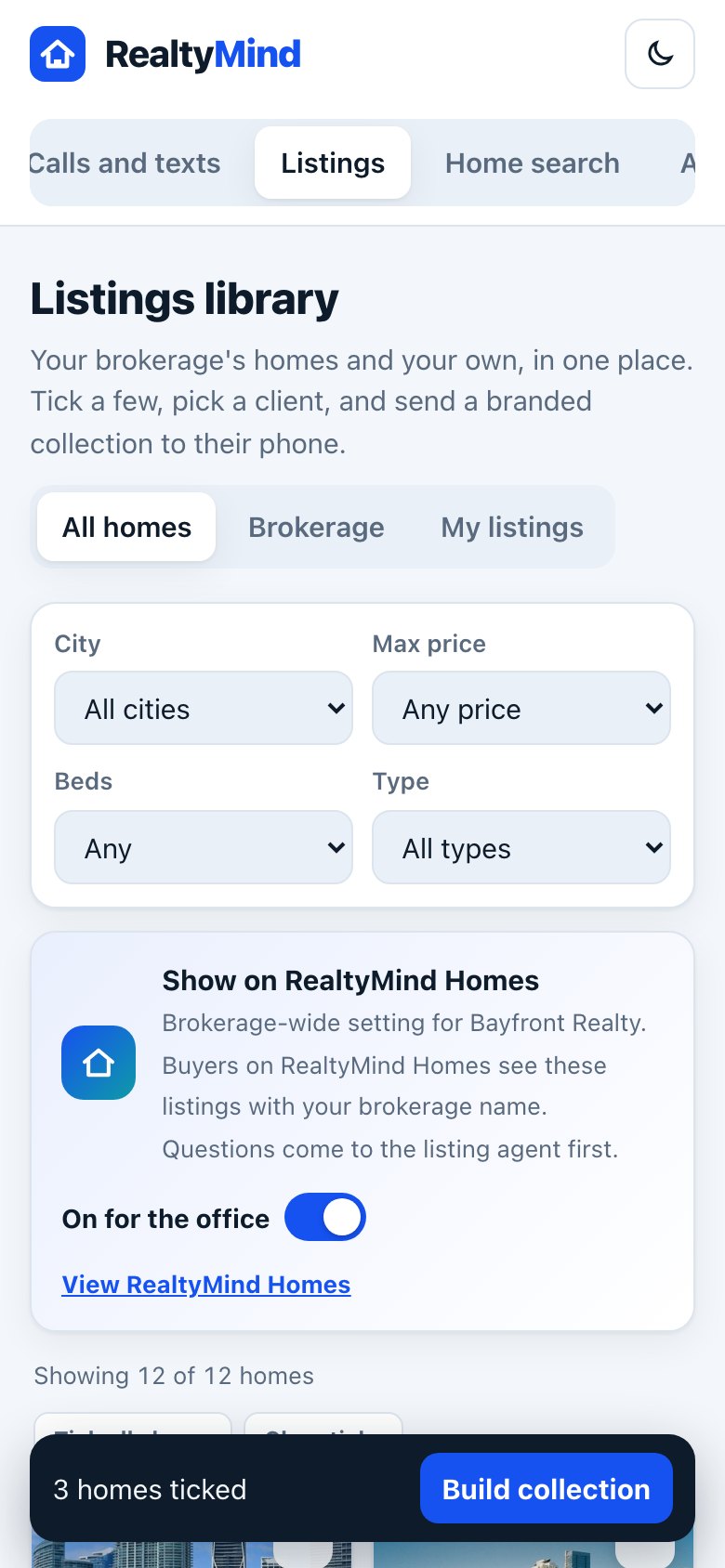
Send a collection in one tap.
Your brokerage homes and your own in one library. Tick a few, add a note, send.
- Filters that matter. City, price, beds and type.
- A branded page lands on your client's phone.
- Or just tell Leo. "Send the Kaplans the three condos we saw."
- Change it once. Price, status and open house update everywhere the MLS allows.
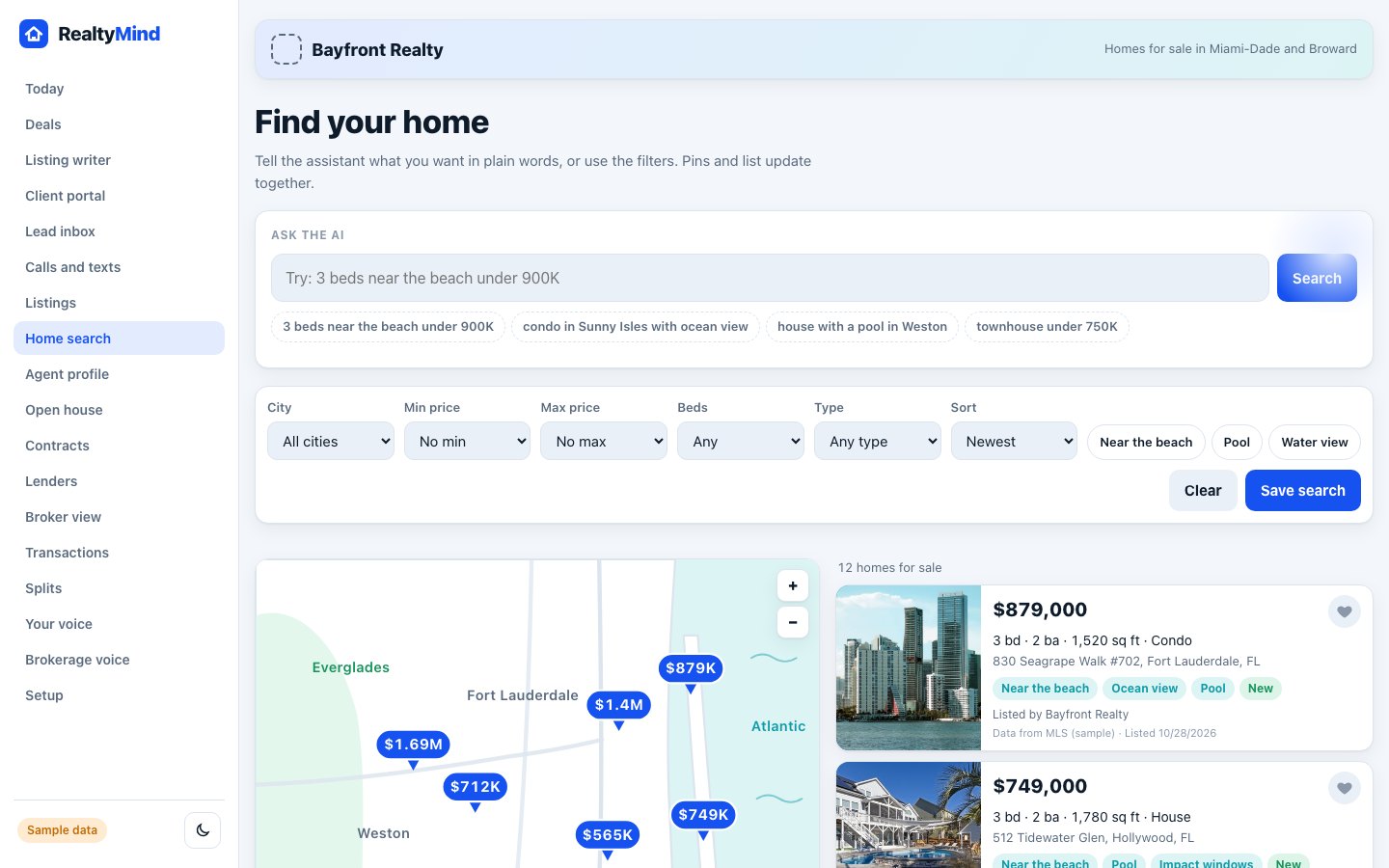
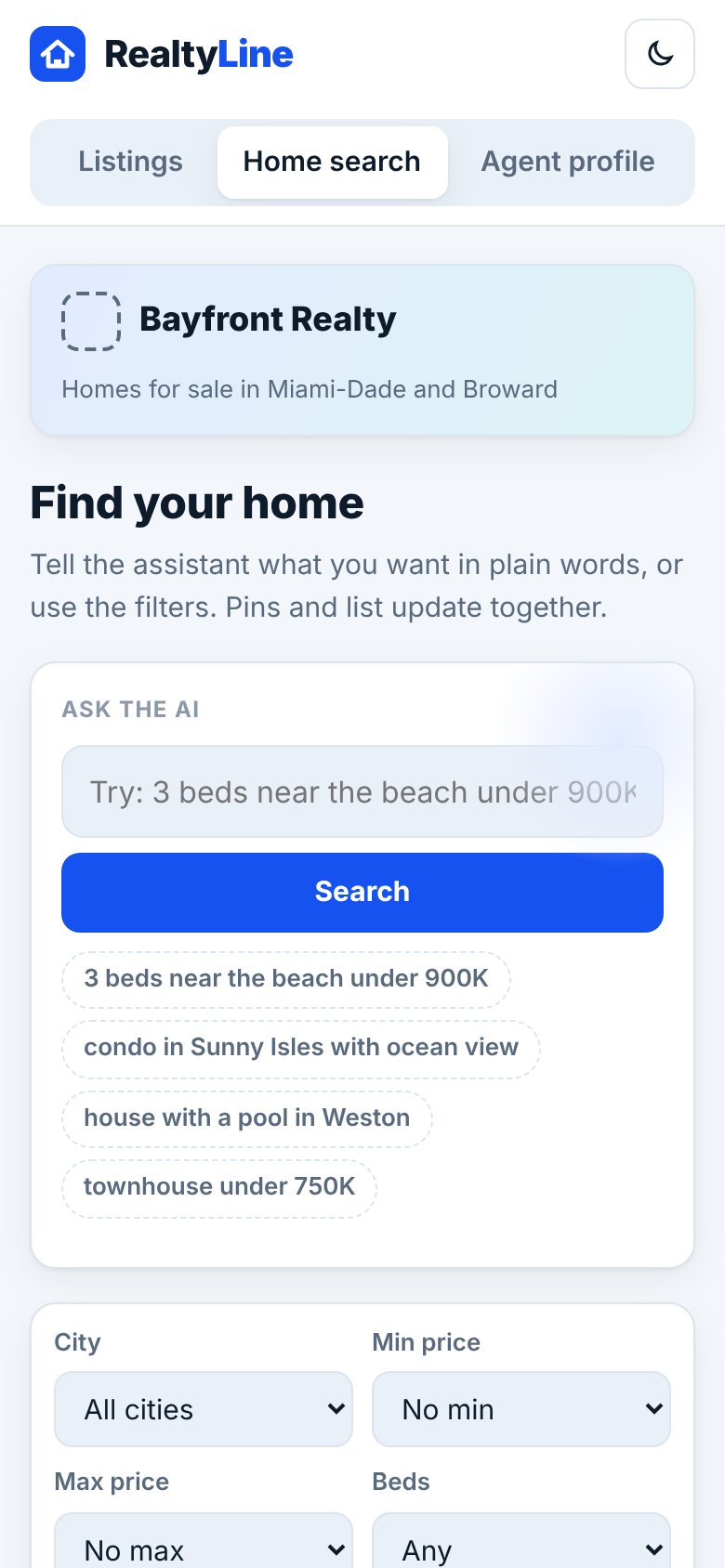
Home search that gets plain English.
For your brokerage site and every agent site. Type what you want and the filters fill in.
- Ask in plain words. "3 beds near the beach under 900K."
- Map and list side by side.
- Saved searches send new matches on their own.
- Fair by design. No steering filters or answers.
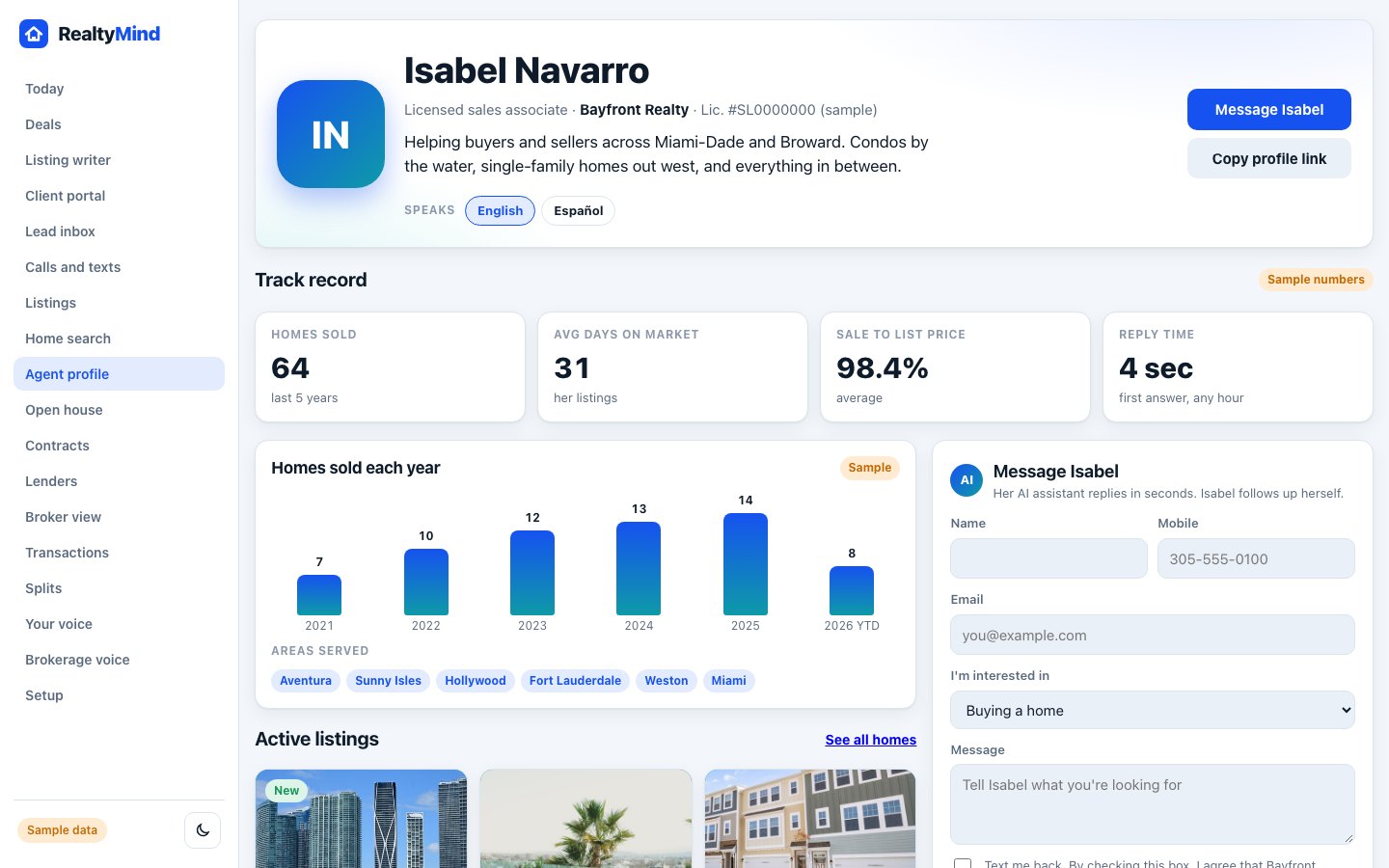
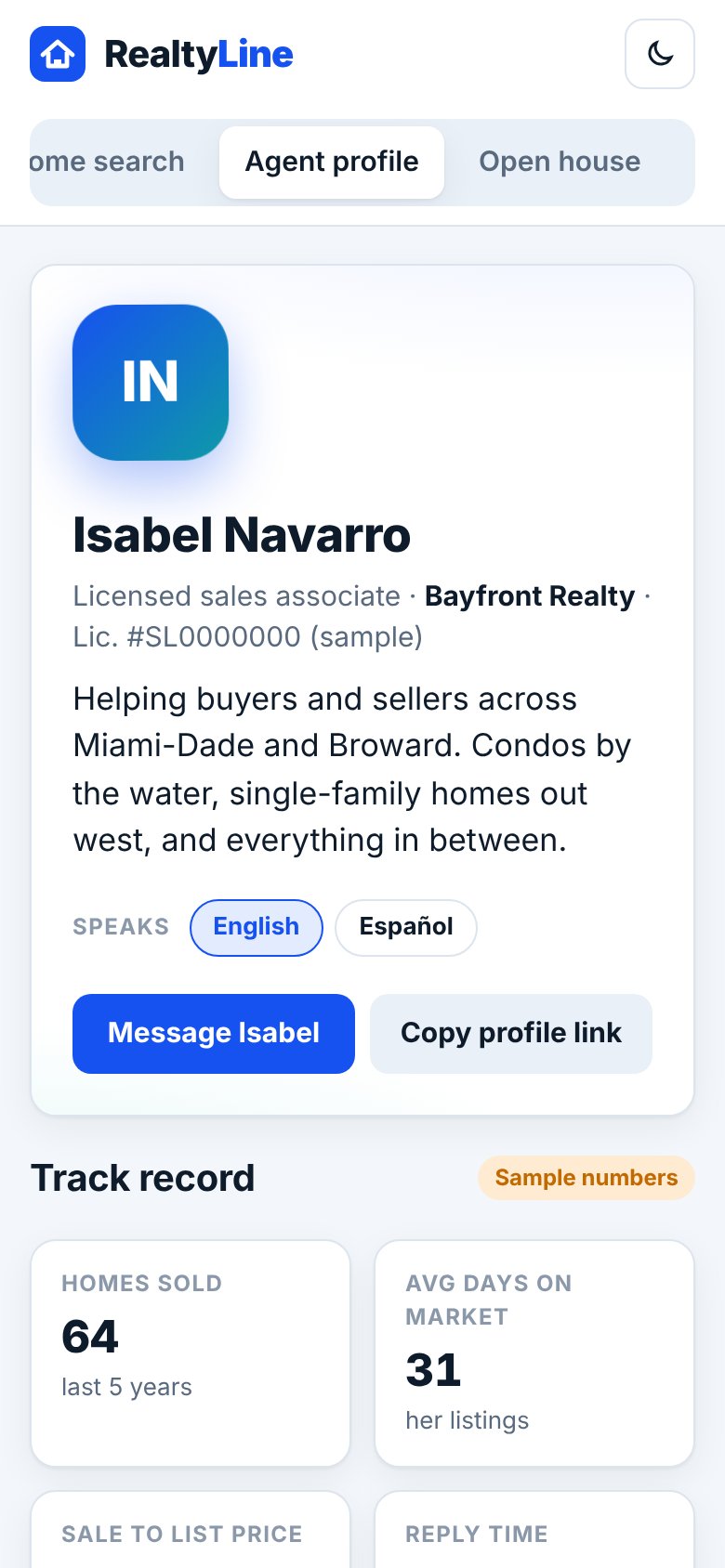
A profile that sells you.
Track record, areas served, languages and verified reviews after closing.
- Real numbers pulled from closed deals.
- Verified reviews only from clients who closed.
- Message the agent. Sofia picks up and follows up.
- One link to share anywhere.
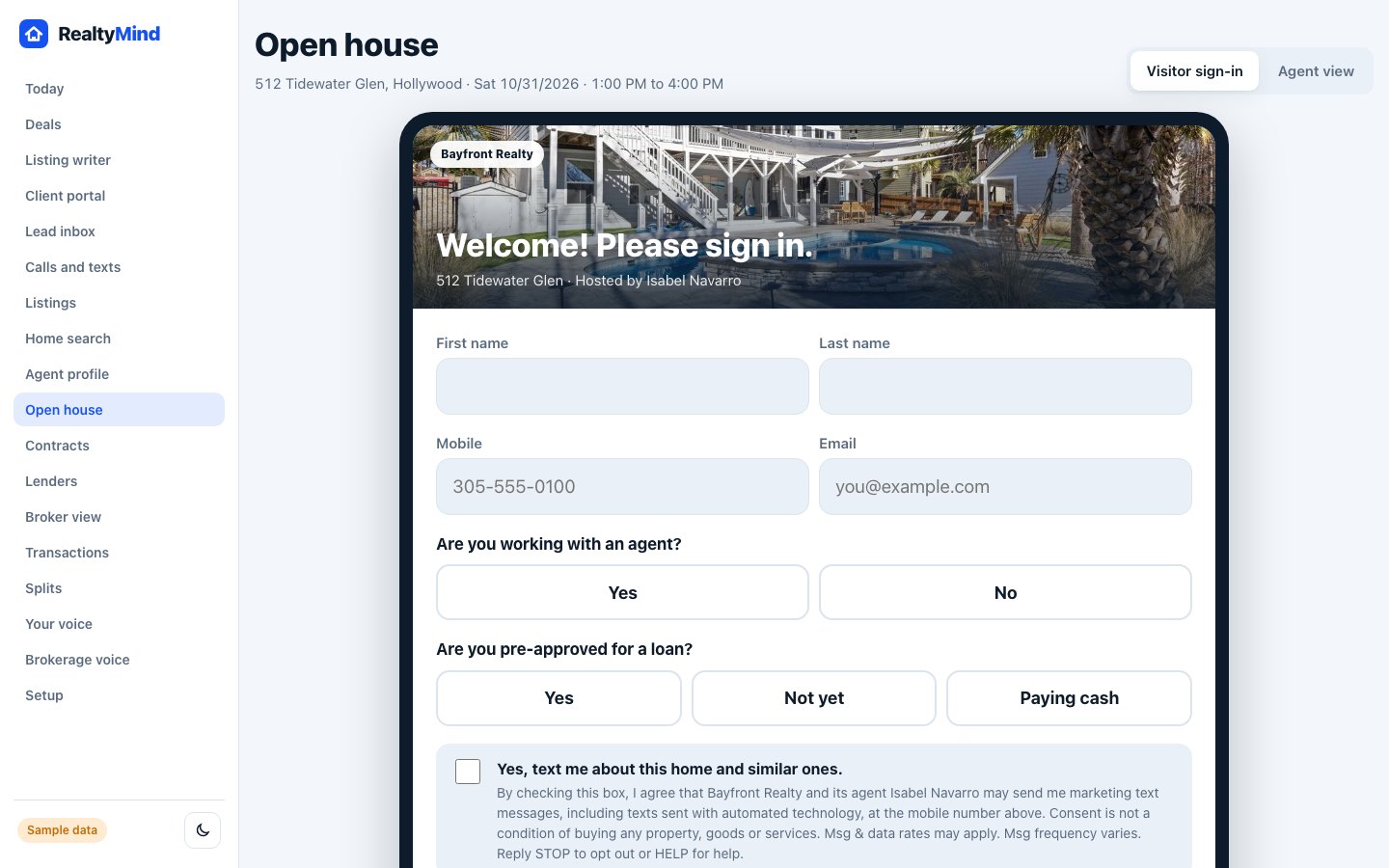
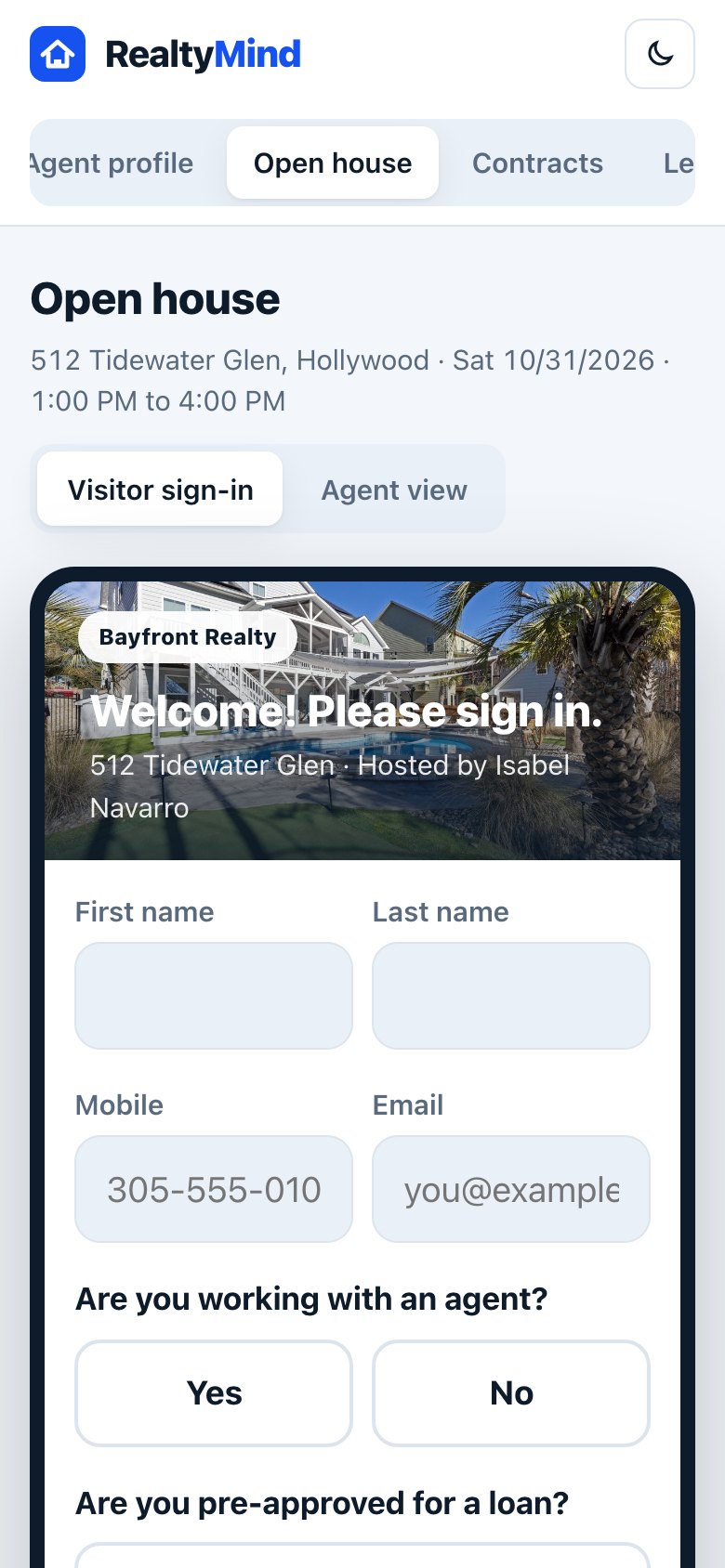
Open house sign-in, done right.
A QR code at the door. Visitors sign in on their phone or your tablet.
- QR sign-in. No clipboard, no bad handwriting.
- The right questions. Working with an agent? Pre-approved?
- Follow-up that night, only to people who said yes.
- Into the pipeline. Every visitor becomes a lead.
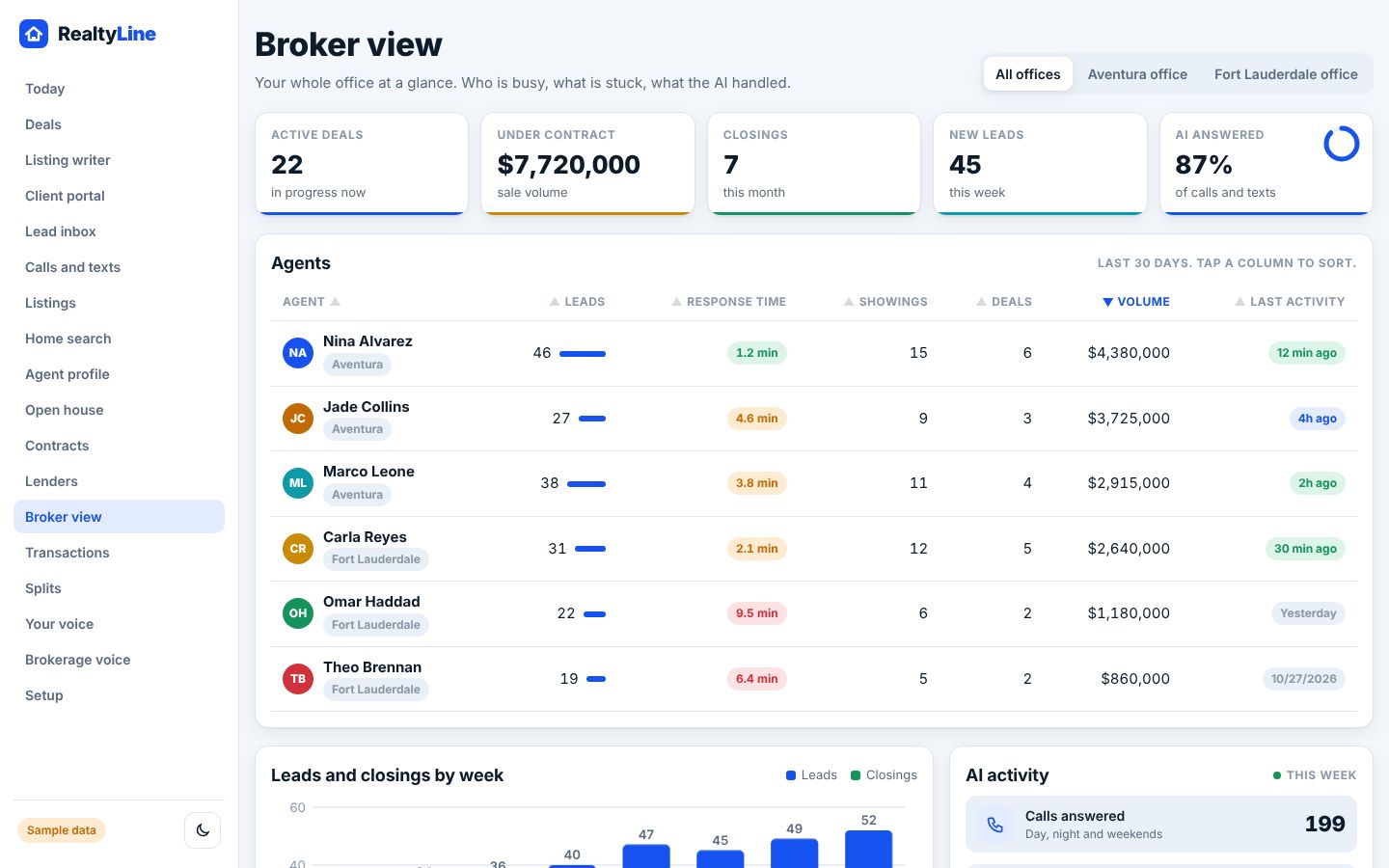
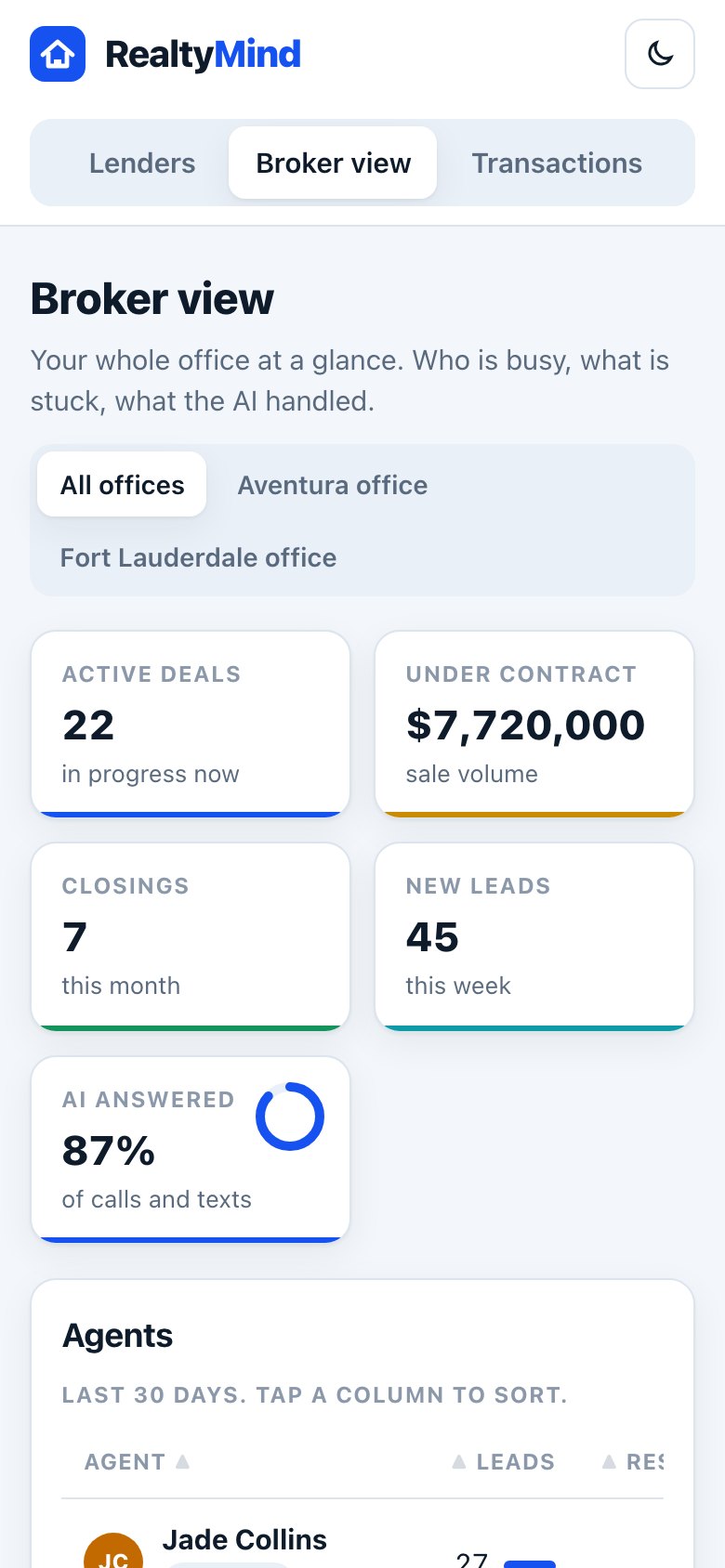
The whole office on one screen.
Deals, volume, closings and new leads, by agent and by office.
- Every agent. Leads, response time, showings and deals.
- Every office. Switch between them or see them all.
- AI activity. Calls answered day, night and weekends.
- Files to review, approved in one place.
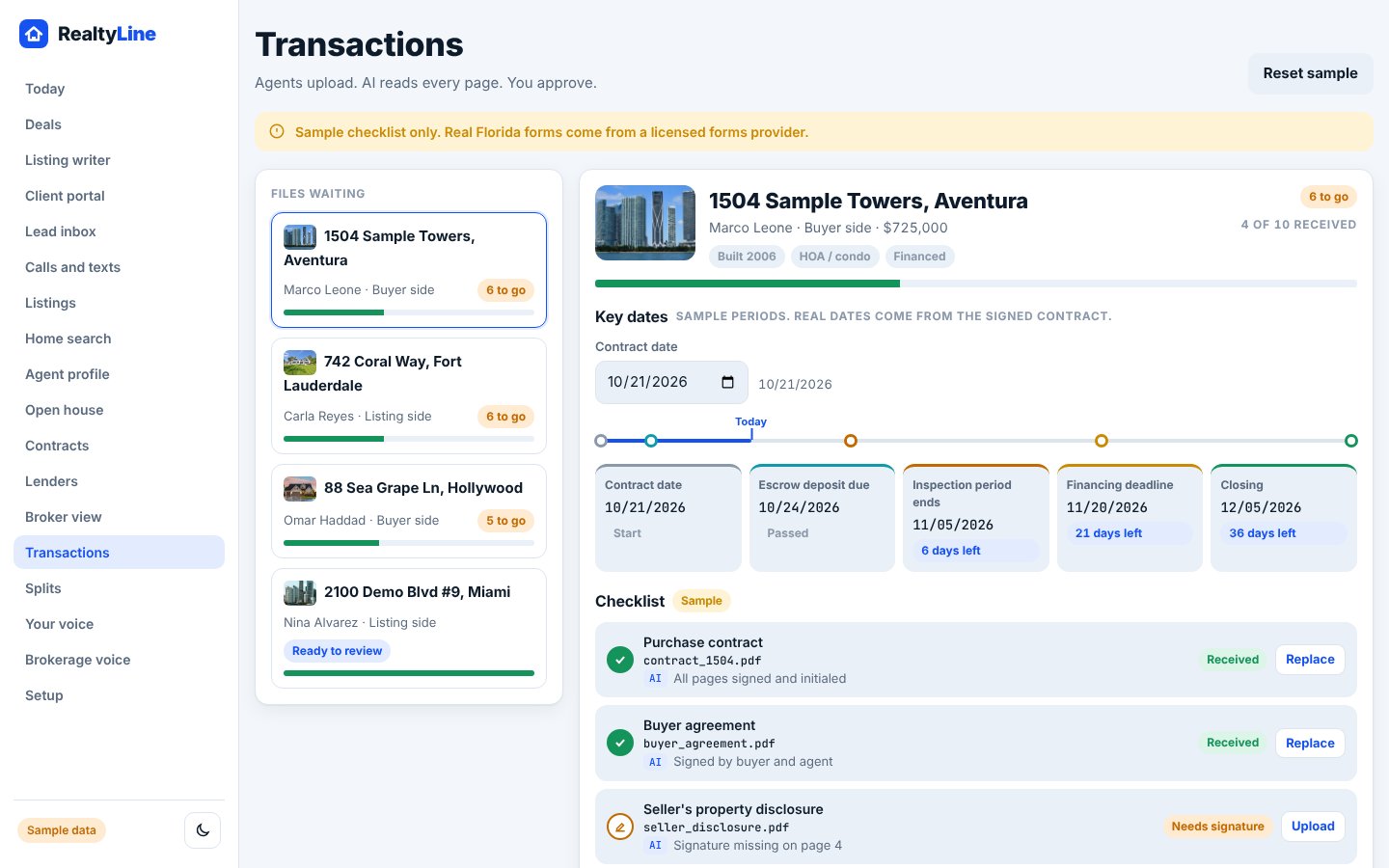
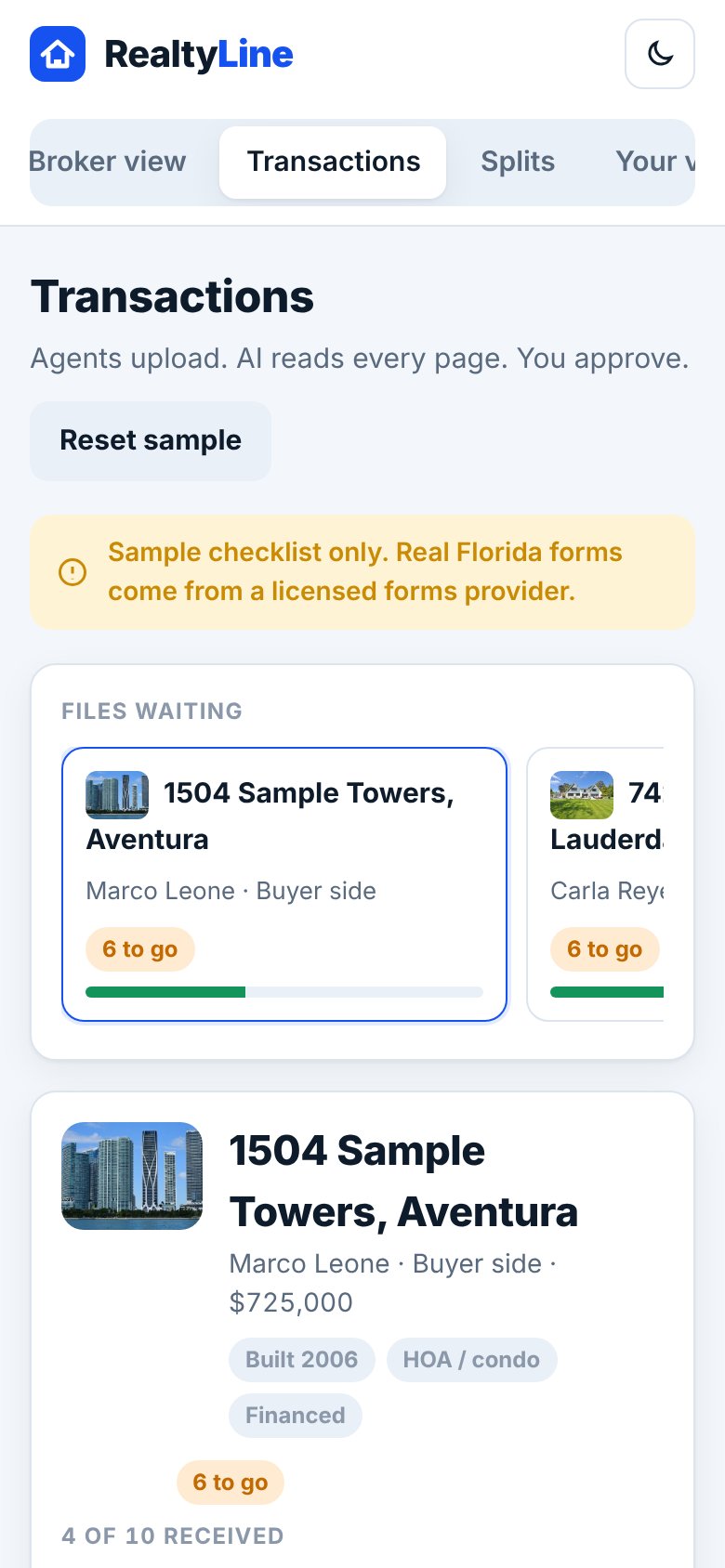
The file that checks itself.
Key dates from the contract, a checklist by state and every document in one place.
- Dates from the contract. Inspection, financing, closing.
- A checklist by state, so you know what is missing.
- Chases signatures. Buyers, sellers, lender and title get reminders.
- Broker review. Filed and ready to approve.
Commission day in one screen.
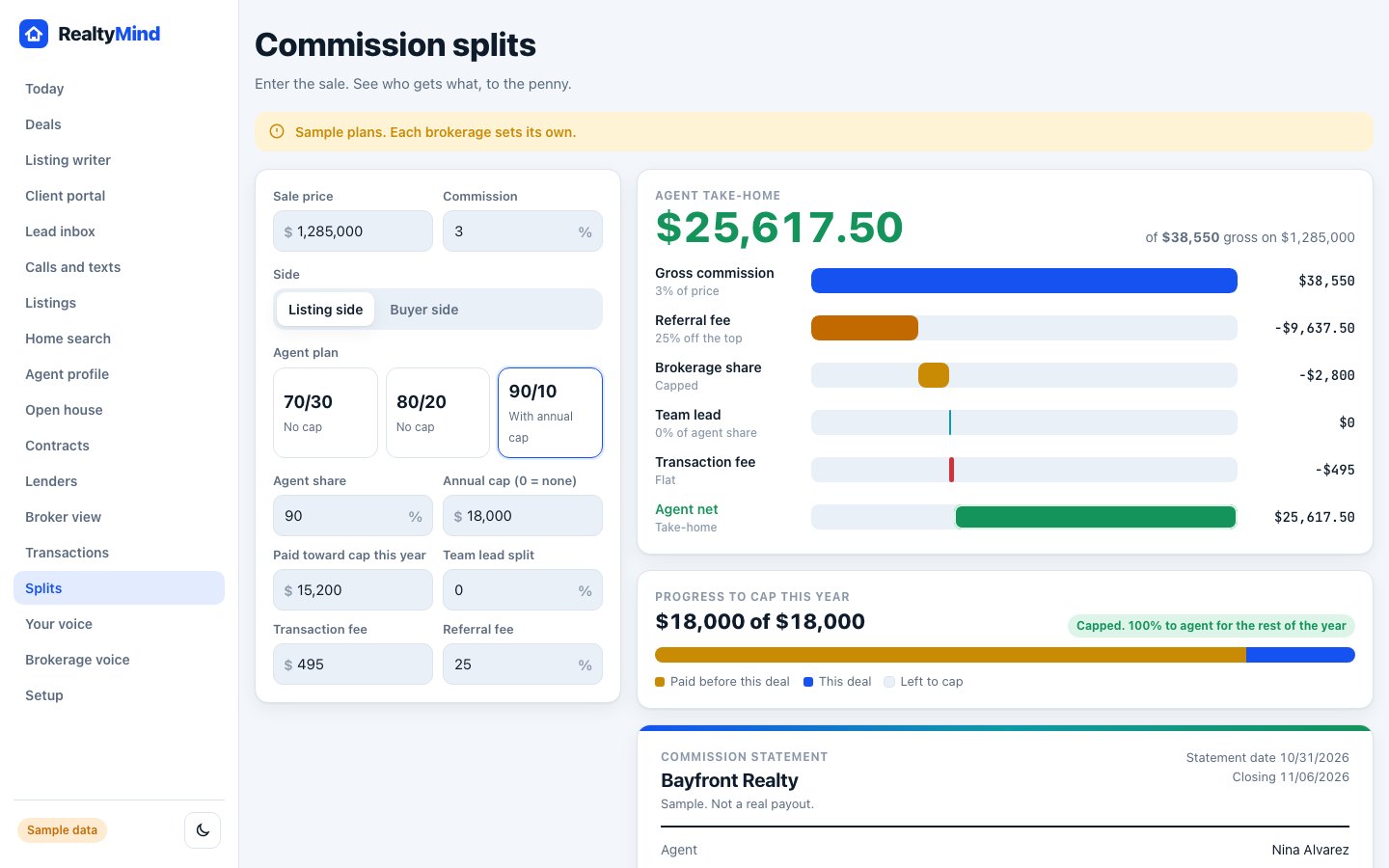
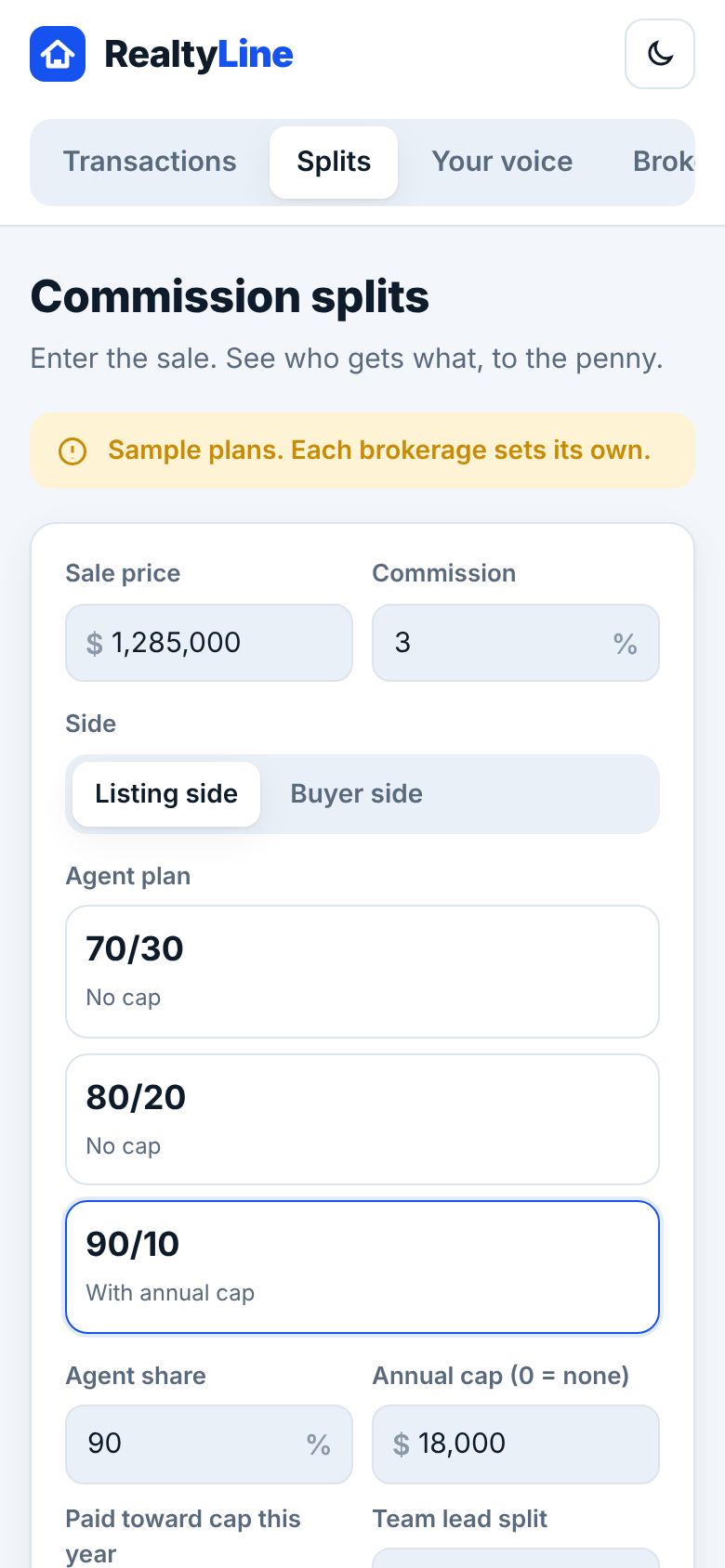
Enter the sale. See who gets what, to the penny.
- Splits and caps per agent, set once.
- Referrals and team shares, fees too.
- Cap progress your agents can see.
- Statements at closing, clean and ready.
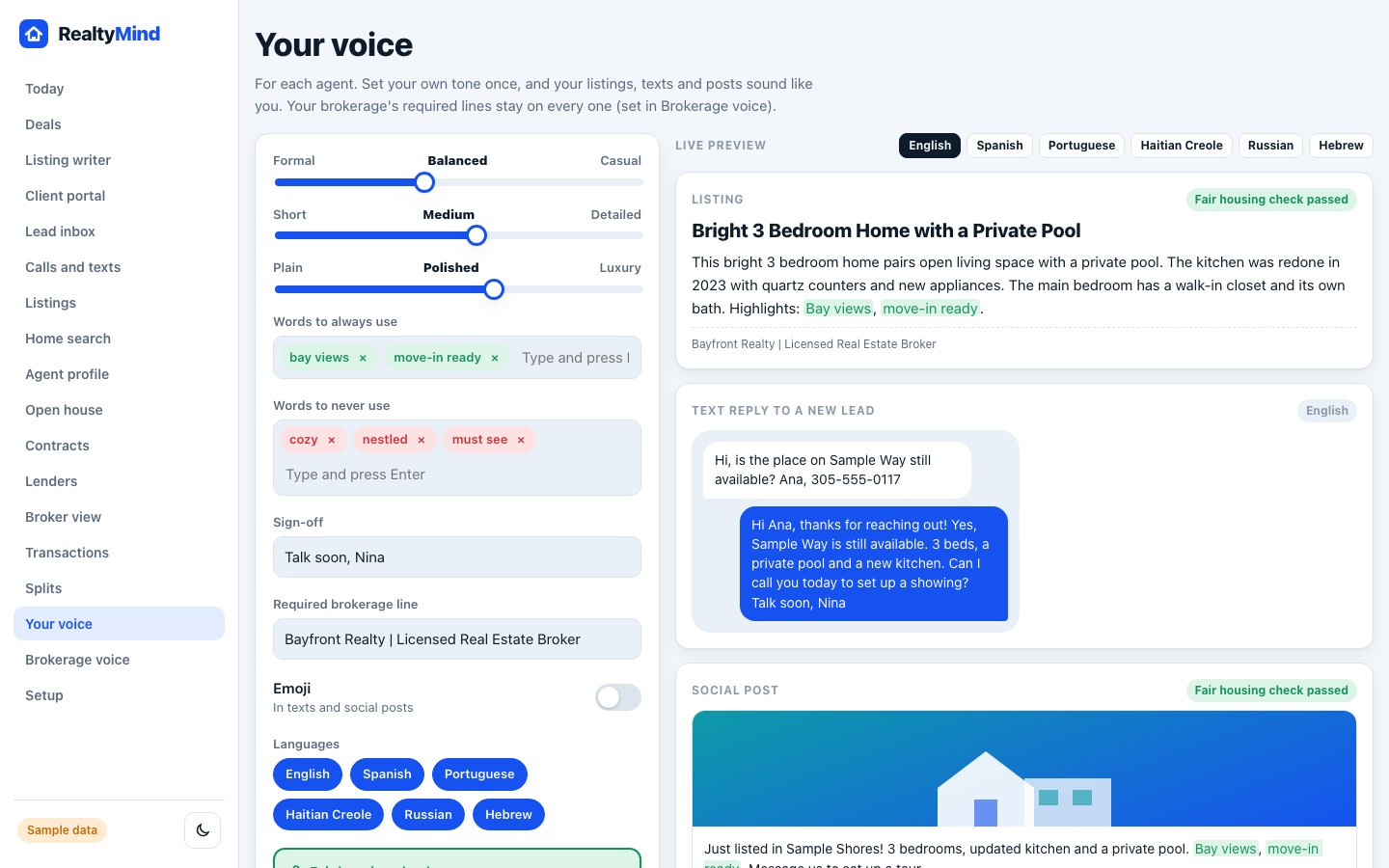
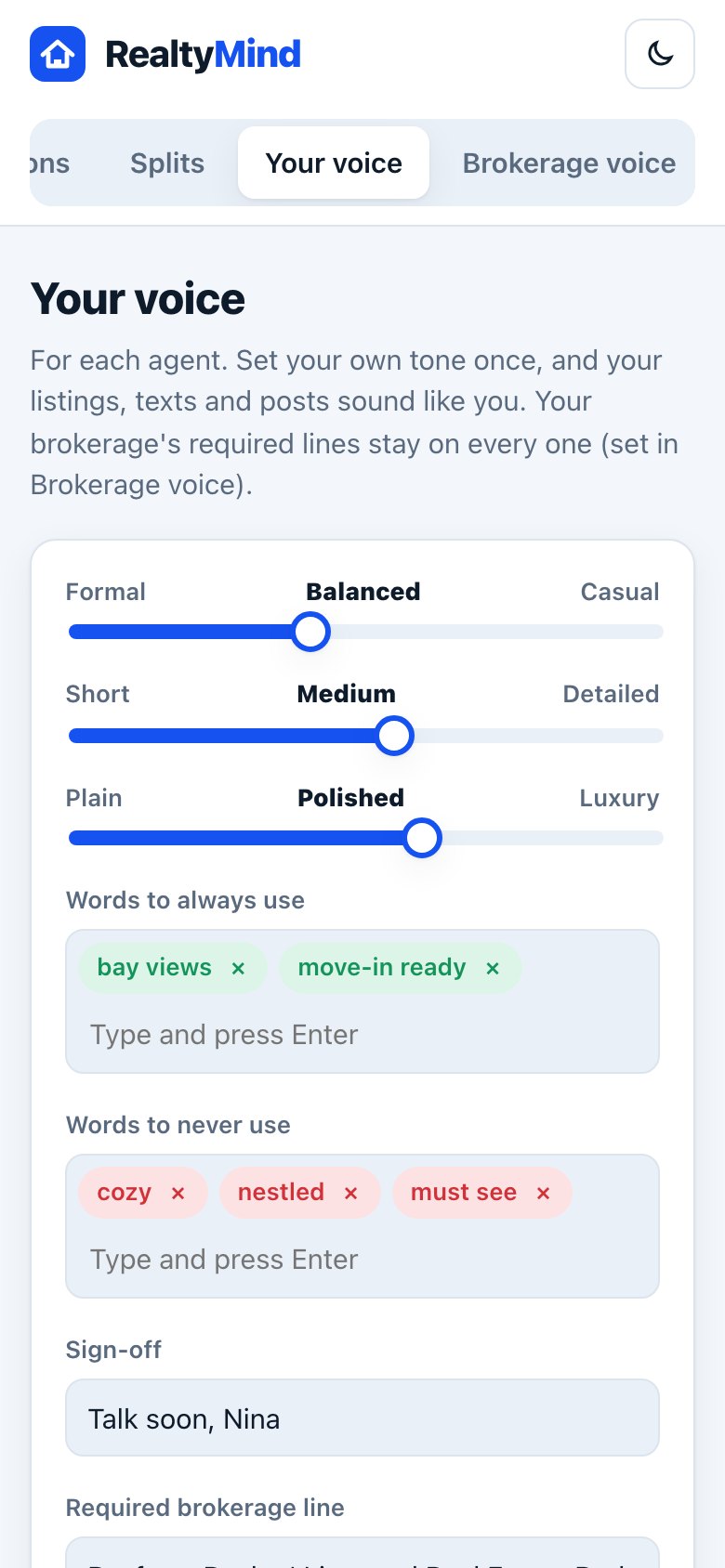
Your brand voice, everywhere.
Set the tone once. Every listing, text and post sounds like your office.
- Sliders, not prompts. Formal to casual, short to detailed.
- Words to use and words to never use.
- Every language. English, Spanish and more.
- Your name on everything. Brokerage name and license line built in.
Four AI agents. One app.
They work inside the screens you just saw. Built into RealtyMind, not bolted on.
Sofia
Answers every call and text, day and night, in English and Spanish. Books the showing and hands you the hot ones.
Meet Sofia → AI assistantLeo
Call or text him from the car. "What's my day?" "Send the Kaplans the three condos." Done, and he confirms.
Meet Leo → AI marketerIvy
Listings, posts and emails in your brand voice. Every word passes a fair housing check before it goes out.
Meet Ivy → AI transaction coordinatorTess
From signed contract to closing. Builds the timeline, chases every signature, files the folder for review.
Meet Tess →Now click around it yourself.
The live demo has every screen from this tour, filled with sample data.